Patch Change Management: Seven Rules to Reduce Risk
Align security urgency with operational stability by using structured testing, rollback plans, and clear communication channels to prevent outages during critical updates.
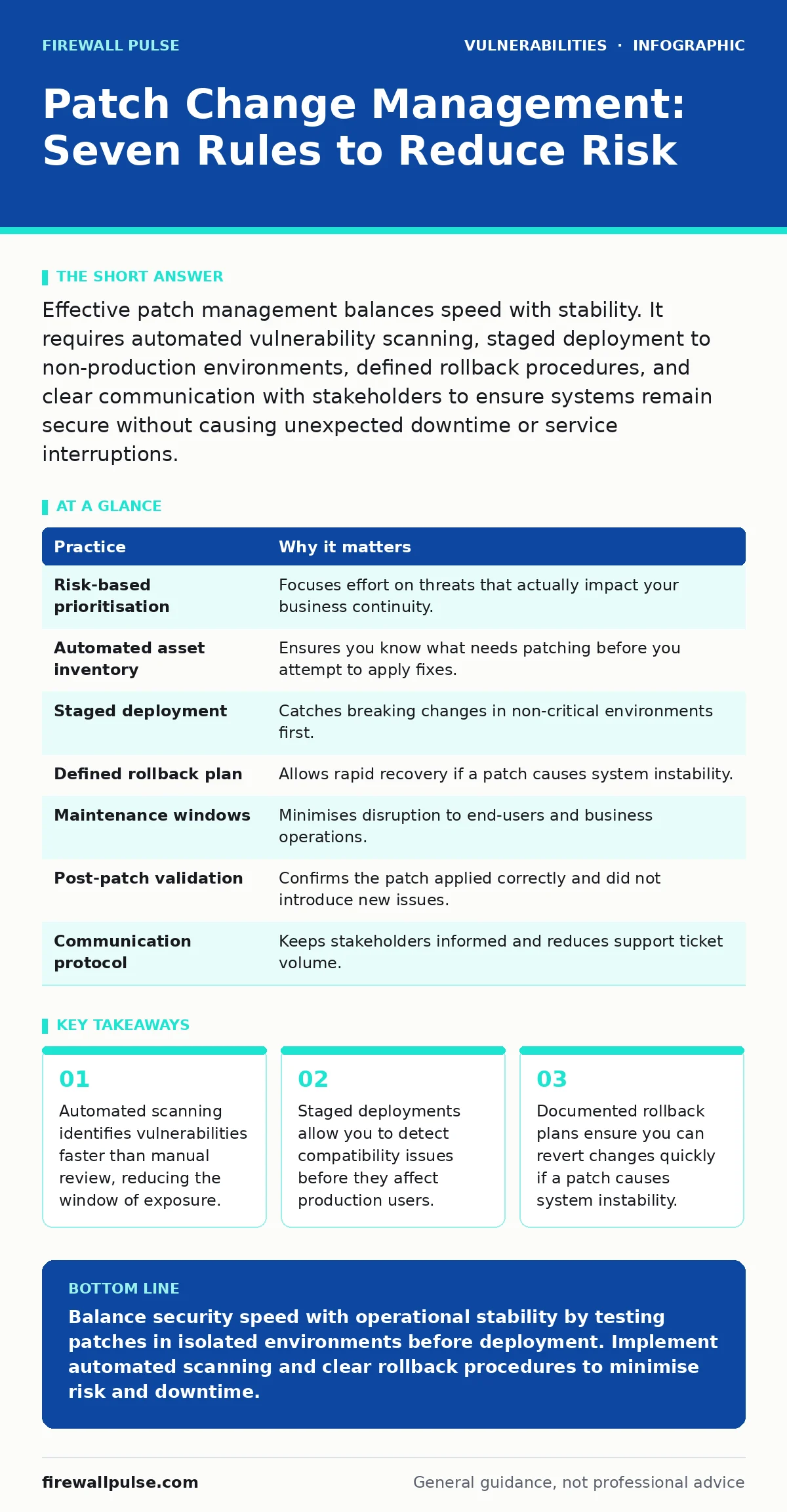
Effective patch management balances speed with stability. It requires automated vulnerability scanning, staged deployment to non-production environments, defined rollback procedures, and clear communication with stakeholders to ensure systems remain secure without causing unexpected downtime or service interruptions.
Prioritise by Risk, Not Release Date
Vendors often release updates in batches that do not align with your actual exposure. Treating every patch as equally urgent wastes resources and increases the chance of human error. You must evaluate the Common Vulnerability Scoring System (CVSS) score alongside the context of your specific environment. A high-severity flaw in an isolated, air-gapped system poses less immediate risk than a medium-severity flaw in a public-facing web server.
Focus your limited engineering hours on the vulnerabilities that attackers can exploit remotely. Ignore patches for legacy systems that no longer interact with the network, but document why you have excluded them. This selective approach prevents patch fatigue, where teams ignore alerts because they are overwhelmed by noise.
| Practice | Why it matters |
|---|---|
| Risk-based prioritisation | Focuses effort on threats that actually impact your business continuity. |
| Automated asset inventory | Ensures you know what needs patching before you attempt to apply fixes. |
| Staged deployment | Catches breaking changes in non-critical environments first. |
| Defined rollback plan | Allows rapid recovery if a patch causes system instability. |
| Maintenance windows | Minimises disruption to end-users and business operations. |
| Post-patch validation | Confirms the patch applied correctly and did not introduce new issues. |
| Communication protocol | Keeps stakeholders informed and reduces support ticket volume. |
Maintain an Accurate Asset Inventory
You cannot patch what you do not know exists. Shadow IT, forgotten development servers, and IoT devices often slip through the cracks during manual audits. An inaccurate inventory leads to unpatched vulnerabilities that serve as entry points for attackers. Automated discovery tools that scan your network continuously provide a more reliable picture than static spreadsheets.
Integrate your configuration management database with your vulnerability scanning tools. This automation ensures that every identified asset is assessed for missing patches on a regular schedule. If a new device appears on the network, the system should flag it immediately rather than waiting for the next quarterly review.
Test in Staged Environments
Applying patches directly to production systems is a gamble with your service availability. Software updates can conflict with custom configurations, third-party applications, or legacy code. Testing in a mirror of your production environment reveals these conflicts before they cause downtime. This stage acts as a safety net, allowing you to identify breaking changes without impacting real users.
Create a dedicated test cluster that replicates your critical production workloads. Apply patches to this cluster first and run your standard regression tests. If the tests pass, you have confidence that the update is stable. If they fail, you have time to investigate the root cause or wait for a vendor fix without facing an emergency outage.
Define and Document Rollback Plans
Even with thorough testing, patches can fail in production due to unique runtime conditions or interactions with other recent changes. Without a clear plan to revert a change, a failed patch can turn a minor issue into a major incident. A rollback plan is a step-by-step procedure to restore the system to its previous state quickly.
Include the rollback procedure in your change request documentation. Specify the exact backup snapshot to use and the commands required to restore the system. Test this rollback process periodically to ensure it works. Knowing how to undo a change reduces the anxiety associated with deploying security updates during critical business hours.
Schedule Changes in Maintenance Windows
Deploying patches during peak usage times increases the impact of any unforeseen issues. Users may experience slow performance or brief connectivity drops during the update process. Maintenance windows are pre-agreed periods where service degradation is expected and accepted. Scheduling updates during these times minimises friction and reduces the volume of support tickets.
Communicate the maintenance window well in advance to all stakeholders. Include the start and end times, the affected services, and the reason for the update. If the patching process takes longer than expected, have a protocol for extending the window and notifying users. Transparency builds trust and reduces frustration among end-users.
Validate Post-Patch Stability
Applying a patch is only half the job. You must verify that the system is functioning correctly after the update. Automated health checks can confirm that services are running and responding to requests. Manual verification by application owners ensures that business-specific workflows are still operational.
Run a suite of automated tests immediately after deployment. Check for error logs, performance metrics, and connectivity status. If any test fails, trigger the rollback plan defined earlier. Document the results of the validation for audit purposes. This proof of compliance demonstrates that you followed a disciplined process.
Communicate Clearly with Stakeholders
Security teams often operate in silos, leading to confusion when changes occur. Developers, operations staff, and business users need to know when patches are being applied. Poor communication leads to unnecessary panic when systems go down for maintenance. A clear communication plan ensures everyone is aligned and prepared.
Use a single channel for all change announcements, such as a dedicated Slack channel or email list. Include the scope of the change, the expected duration, and the contact person for issues. After the change is complete, send a follow-up message confirming success or explaining any delays. This closure loop helps stakeholders feel informed and respected.
Automate Where Possible
Manual patching is slow and prone to human error. It is difficult to keep track of hundreds or thousands of devices without automation. Automated patch management tools can scan, download, and apply updates consistently across your infrastructure. This reduces the labour required from your security operations team.
Configure your automation tools to handle routine updates automatically. Reserve manual intervention for complex or high-risk changes. Set up alerts for failed patch attempts so you can address them promptly. Automation frees your team to focus on higher-value tasks, such as threat hunting and architecture improvements.
Key takeaways
- Automated scanning identifies vulnerabilities faster than manual review, reducing the window of exposure.
- Staged deployments allow you to detect compatibility issues before they affect production users.
- Documented rollback plans ensure you can revert changes quickly if a patch causes system instability.
Balance security speed with operational stability by testing patches in isolated environments before deployment. Implement automated scanning and clear rollback procedures to minimise risk and downtime.
Frequently asked questions
How do I handle patching for legacy systems that are no longer supported?
Isolate these systems from the main network and restrict access strictly. Use application whitelisting and network segmentation to limit the attack surface, as you cannot rely on vendor patches.
What is the difference between a hotfix and a cumulative update?
A hotfix addresses a specific, urgent issue, while a cumulative update includes all previous fixes and new features. Cumulative updates are generally safer to apply as they ensure you have all prior security improvements.
Should I patch non-critical systems immediately?
Prioritise based on risk. Non-critical systems with low exposure can wait for a scheduled maintenance window. Focus immediate efforts on internet-facing assets and systems handling sensitive data.
How often should I run vulnerability scans?
Run scans continuously or at least daily for internet-facing assets. For internal networks, weekly scans are often sufficient. Immediate rescans are recommended after any significant configuration change or new patch deployment.
How this guide was produced: written by the Firewall Pulse editorial team with AI assistance, checked against the public references listed below, and reviewed when the facts change. See our editorial policy or report an error.