Payroll Diversion Fraud: Warning Signs and Detection Tactics
Most payroll diversion fraud succeeds because attackers exploit the gap between email alerts and the actual banking transaction records.
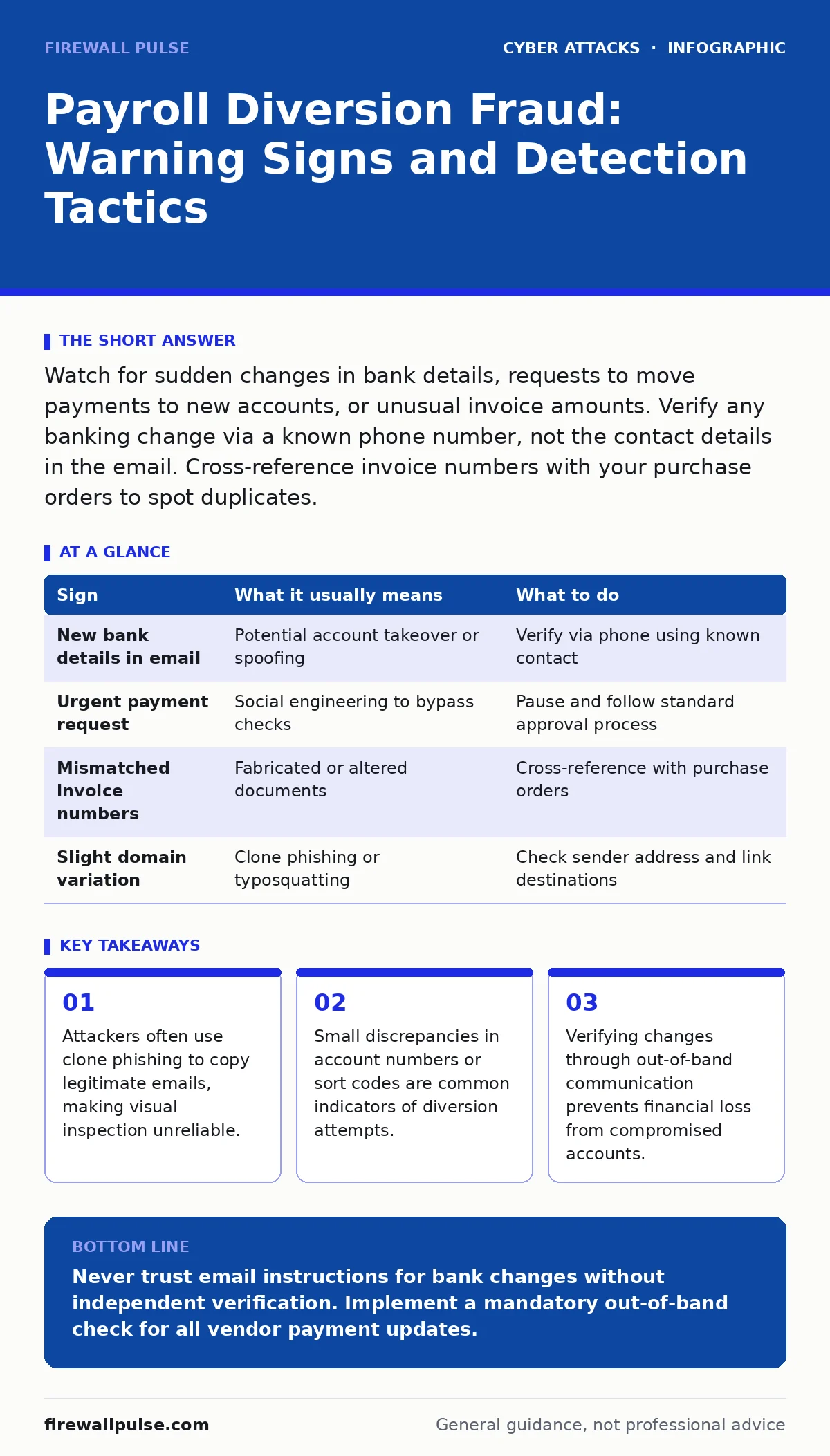
Watch for sudden changes in bank details, requests to move payments to new accounts, or unusual invoice amounts. Verify any banking change via a known phone number, not the contact details in the email. Cross-reference invoice numbers with your purchase orders to spot duplicates.
The Initial Alert Mechanism
Payroll diversion fraud relies on intercepting or altering instructions before money leaves your organisation. Attackers typically target the email chain between suppliers and accounts payable teams. They do not need to break into your bank directly; they only need to convince you to send funds to the wrong destination. The first sign is often a subtle change in tone or urgency within an email thread.
Suppose a supplier you have worked with for years suddenly asks for payment via a different bank account. The email may look identical to previous correspondence. The subject line might match a known invoice. However, the recipient address may be slightly different, mimicking the legitimate domain. This is a classic example of clone phishing, where an attacker copies a recent, legitimate email and alters the payment details before resending it.
Detecting Visual Anomalies
You must look beyond the content of the message to examine its structural integrity. Hover over any links in the email to reveal the actual destination URL. Attackers often use URL shorteners or look-alike domains to hide their true location. Check the sender’s email address carefully. A single character change, such as an underscore or a missing dot, can indicate a spoofed address.
Pay attention to the timing of the request. If an invoice arrives on a Friday afternoon, just before a holiday, it may be an attempt to rush you into acting without proper verification. Urgency is a social engineering tactic designed to bypass your standard controls. Do not let the pressure override your verification procedures.
Hidden Indicators in Data
Some signs are not visible in the email itself but appear in the data attached to it. Open the invoice file and compare the bank details with your vendor master file. Even if the email seems legitimate, the attached PDF or Excel sheet may contain altered account information. Attackers often modify only the last digit of an account number or the sort code. These small changes are easy to miss during a quick review.
Check for inconsistencies in the invoice numbering sequence. If an invoice number is skipped or repeated, it may be a fabricated document. Cross-reference the invoice total with the original purchase order. A significant deviation in amount, even if the supplier name is correct, warrants immediate investigation. This step helps identify cases where the attacker has altered the payment amount to steal the difference.
Verification Protocols
When you suspect a diversion attempt, do not reply to the email. Instead, contact the supplier using a phone number or email address you already have on file. This is known as out-of-band verification. It ensures that you are speaking to the legitimate entity and not the attacker who controls the compromised email account.
If the supplier confirms the change, ask for written confirmation sent to a different email address. This creates a second layer of validation. If the supplier denies the change, treat the email as malicious. Delete it and report it to your security team. Do not forward the email internally, as this can spread the threat.
Operational Response Steps
| Sign | What it usually means | What to do |
|---|---|---|
| New bank details in email | Potential account takeover or spoofing | Verify via phone using known contact |
| Urgent payment request | Social engineering to bypass checks | Pause and follow standard approval process |
| Mismatched invoice numbers | Fabricated or altered documents | Cross-reference with purchase orders |
| Slight domain variation | Clone phishing or typosquatting | Check sender address and link destinations |
Preventing Future Incidents
Implement strict controls for changing vendor bank details. Require that all changes be confirmed through a secondary channel, such as a signed document or a verified phone call. Train your staff to recognise the signs of clone phishing and social engineering. Regular reminders help keep vigilance high without causing alert fatigue.
Consider using DNS filtering to block known malicious domains before they reach your users. This reduces the surface area for attacks. Additionally, ensure that your security operations centers are monitoring for unusual email patterns. Automated tools can flag anomalies, but human verification remains necessary for financial transactions.
Integrating Security Measures
Payroll diversion is a persistent threat because it exploits human trust and process gaps. No single tool can stop it completely. You need a combination of technical controls and procedural discipline. Regularly review your vendor master file for unauthorised changes. Audit access logs to ensure only authorised personnel can update payment details.
By staying alert to the warning signs and verifying every change, you can protect your organisation from financial loss. The cost of a few minutes of verification is far less than the cost of replacing stolen funds. Keep your processes simple, consistent, and rigorous.
Key takeaways
- Attackers often use clone phishing to copy legitimate emails, making visual inspection unreliable.
- Small discrepancies in account numbers or sort codes are common indicators of diversion attempts.
- Verifying changes through out-of-band communication prevents financial loss from compromised accounts.
Never trust email instructions for bank changes without independent verification. Implement a mandatory out-of-band check for all vendor payment updates.
Frequently asked questions
How do I know if an email is a clone phishing attempt?
Clone phishing copies the content of a legitimate email but changes the sender or payment details. Check the sender address and compare the invoice with your records.
Can DNS filtering stop payroll diversion fraud?
DNS filtering can block emails from known malicious domains, but it cannot stop attacks from compromised legitimate accounts or newly registered domains.
What should I do if I already paid a fraudulent invoice?
Contact your bank immediately to attempt a recall. Report the incident to your security team and the supplier. Review your processes to prevent recurrence.
Is two-factor authentication enough to prevent this?
Two-factor authentication protects account access but does not verify the legitimacy of payment instructions. You still need to verify banking changes through a separate channel.
How this guide was produced: written by the Firewall Pulse editorial team with AI assistance, checked against the public references listed below, and reviewed when the facts change. See our editorial policy or report an error.