Malicious Email Attachments: Debunking Six Common Security Myths
Scanning engines miss logic-based threats that only trigger when specific execution conditions are met inside the operating system.
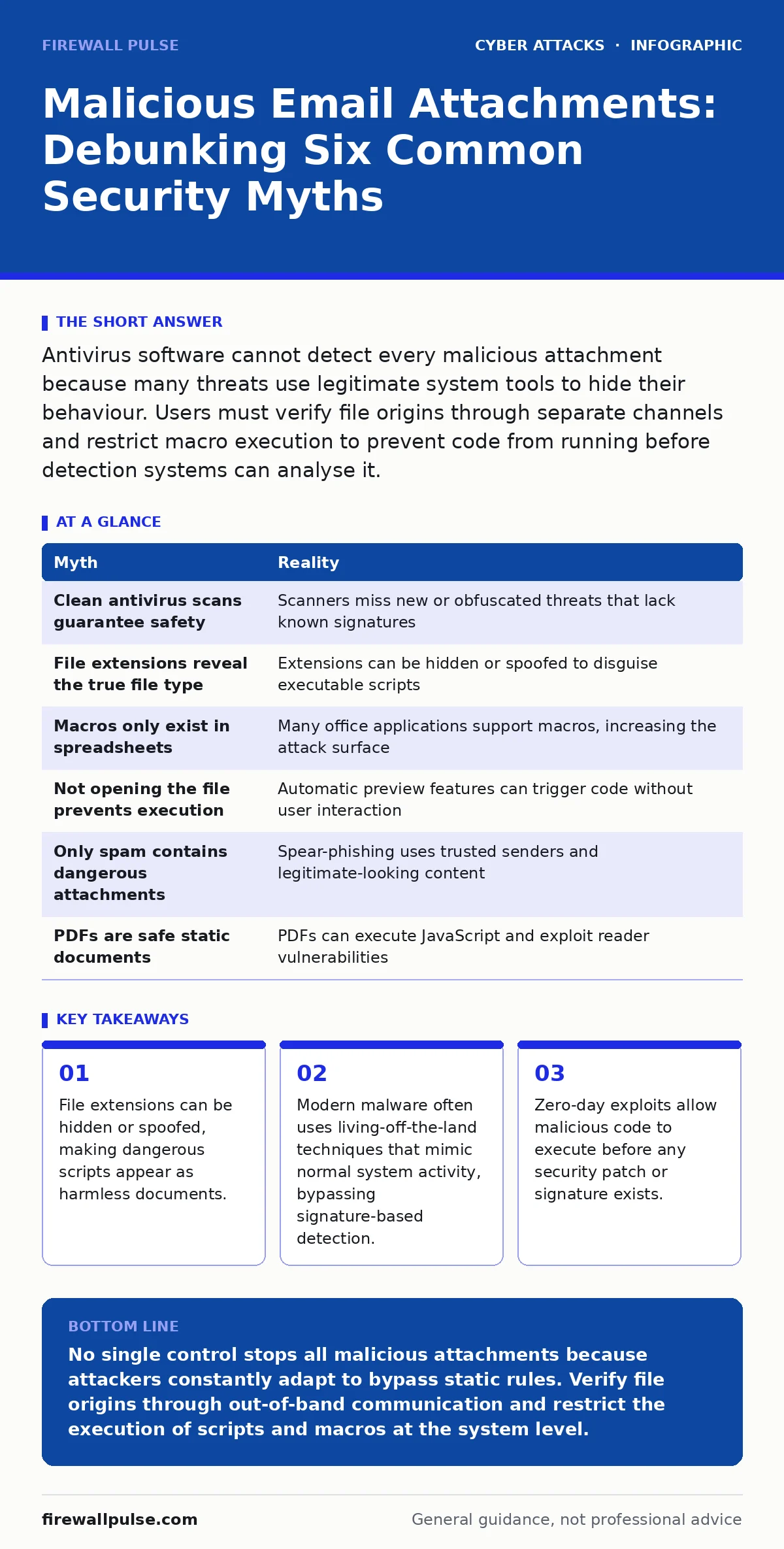
Antivirus software cannot detect every malicious attachment because many threats use legitimate system tools to hide their behaviour. Users must verify file origins through separate channels and restrict macro execution to prevent code from running before detection systems can analyse it.
Myth: If the antivirus scans it, the file is safe
Reality: Signature-based detection relies on a database of known malicious patterns. If a threat is new or heavily obfuscated, the scanner may return a clean result despite the file being dangerous.
Many organisations assume that an endpoint protection platform acts as a perfect gatekeeper. This assumption fails against polymorphic malware that changes its code signature with every infection. The scanner sees a unique string of bytes that does not match its database.
You must treat a clean scan as a negative test, not a positive guarantee. The file might be benign, or it might be a novel exploit that has not been catalogued yet. Relying solely on scanning leaves a gap where zero-day attacks slip through.
Myth: The file extension tells you exactly what the file is
Reality: Operating systems can be configured to hide file extensions, and attackers frequently abuse this setting to disguise scripts as documents. A file named invoice.pdf.exe will display as invoice.pdf if extensions are hidden.
This deception works because the human brain recognises the visual cue of a PDF icon and the text label. The underlying executable code remains hidden from casual inspection. When you double-click, the system runs the executable, not the document.
You should configure your operating system to always show file extensions. This small change reveals the true nature of the file. Even then, attackers may use double extensions, such as report.docx.txt, which still hides the dangerous outer layer if the view settings are incomplete.
Myth: Macros are only a risk in Word and Excel files
Reality: Macro-capable formats exist across many applications, including PowerPoint, Publisher, and even older versions of Outlook items. Any file type that supports embedded scripts can carry executable code.
Attackers often pivot to less scrutinised formats. A PowerPoint slide deck is less likely to trigger suspicion than a spreadsheet. The macro inside runs the same commands, downloading payloads or stealing credentials. The risk is tied to the capability to execute code, not the specific application.
Restricting macro execution requires a group policy or application control solution. You must block macros from running by default, regardless of the file type. Allowing macros only from trusted, digitally signed sources reduces the attack surface significantly.
Myth: If I do not open the file, I am safe
Reality: Some email clients and operating systems preview attachments automatically. This preview process can trigger the execution of malicious code without any user interaction. The mere act of hovering over or loading the thumbnail can be enough.
This is known as a drive-by download or a preview exploit. The security mechanism assumes that viewing metadata is safe. Attackers embed exploits in the file header or metadata that trigger when the preview engine parses the data.
You cannot rely on passive safety. The risk exists from the moment the email client begins to render the attachment. Disabling automatic previewing in your email client settings adds a layer of protection. This forces a deliberate action to view the content, giving you time to assess the risk.
Myth: Only obvious spam contains malicious attachments
Reality: Spear-phishing attacks use legitimate-looking emails from known contacts or vendors. The attachment is often a genuine document that has been modified to include malicious code. The sender address may be spoofed to look identical to the real person.
This technique exploits trust rather than technical ignorance. You expect the invoice from your supplier, so you click it without scrutiny. The email bypasses spam filters because the content is relevant and the sender domain is valid.
You must verify unexpected attachments through a separate communication channel. Call the sender on a known number or use a different messaging platform. Do not reply to the email to ask if it is legitimate, as the attacker may be monitoring the inbox.
See also: Malware Analysis: Why It Matters for Security Decisions · YARA Rules: Pattern Matching for Malware Detection
Myth: PDFs cannot contain malicious code
Reality: PDF files can embed JavaScript, executable files, and links to malicious websites. While less common than Word macros, PDF exploits are highly effective because they are ubiquitous and trusted.
Attackers use PDFs to deliver exploits that target vulnerabilities in the PDF reader itself. If your reader is not patched, the code executes as soon as you open the file. The code can download further payloads or exfiltrate data.
Treat PDFs with the same caution as executable files. Do not enable JavaScript in your PDF reader unless absolutely necessary. Most security frameworks recommend disabling scripting in portable document formats by default.
| Myth | Reality |
|---|---|
| Clean antivirus scans guarantee safety | Scanners miss new or obfuscated threats that lack known signatures |
| File extensions reveal the true file type | Extensions can be hidden or spoofed to disguise executable scripts |
| Macros only exist in spreadsheets | Many office applications support macros, increasing the attack surface |
| Not opening the file prevents execution | Automatic preview features can trigger code without user interaction |
| Only spam contains dangerous attachments | Spear-phishing uses trusted senders and legitimate-looking content |
| PDFs are safe static documents | PDFs can execute JavaScript and exploit reader vulnerabilities |
Key takeaways
- File extensions can be hidden or spoofed, making dangerous scripts appear as harmless documents.
- Modern malware often uses living-off-the-land techniques that mimic normal system activity, bypassing signature-based detection.
- Zero-day exploits allow malicious code to execute before any security patch or signature exists.
No single control stops all malicious attachments because attackers constantly adapt to bypass static rules. Verify file origins through out-of-band communication and restrict the execution of scripts and macros at the system level.
Frequently asked questions
How do I check if my computer is hiding file extensions?
Look at a file you know is a document. If the name ends with just the title and no dot and letters like docx or pdf, your system is hiding the extension. Enable the show extensions option in your file explorer settings.
Can a malicious attachment infect my phone?
Yes, mobile operating systems can be compromised by malicious files, particularly if you install unofficial apps or enable risky settings. However, mobile sandboxes limit the damage compared to desktop environments.
Should I delete emails with attachments from unknown senders?
Yes, treating unknown senders as hostile by default reduces risk. If you expect a file, confirm its legitimacy via a separate communication channel before opening it.
Does DNS filtering stop malicious email attachments?
DNS filtering blocks connections to known malicious domains, which can stop some attachments from downloading further payloads. It does not prevent the initial execution of code embedded within the file itself.
How this guide was produced: written by the Firewall Pulse editorial team with AI assistance, checked against the public references listed below, and reviewed when the facts change. See our editorial policy or report an error.