How to Stop Adware: Practical Steps to Remove and Prevent Intrusive Software
Adware persists not because it is technically advanced, but because it exploits human impatience and legitimate software installation workflows.
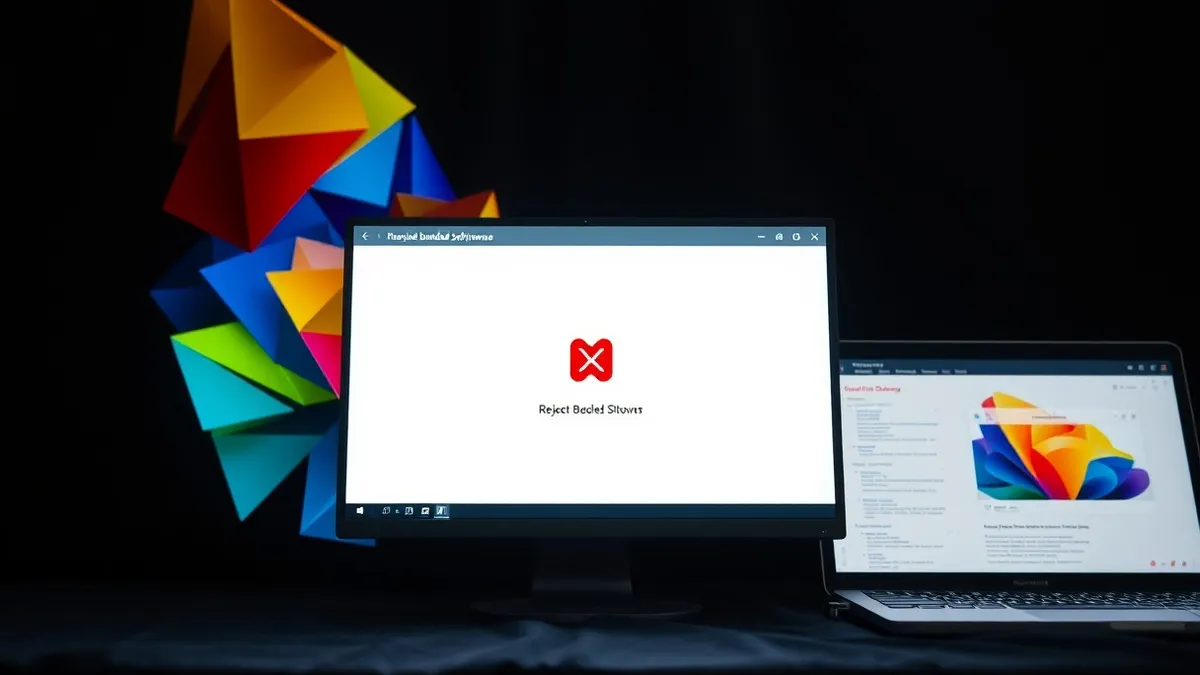
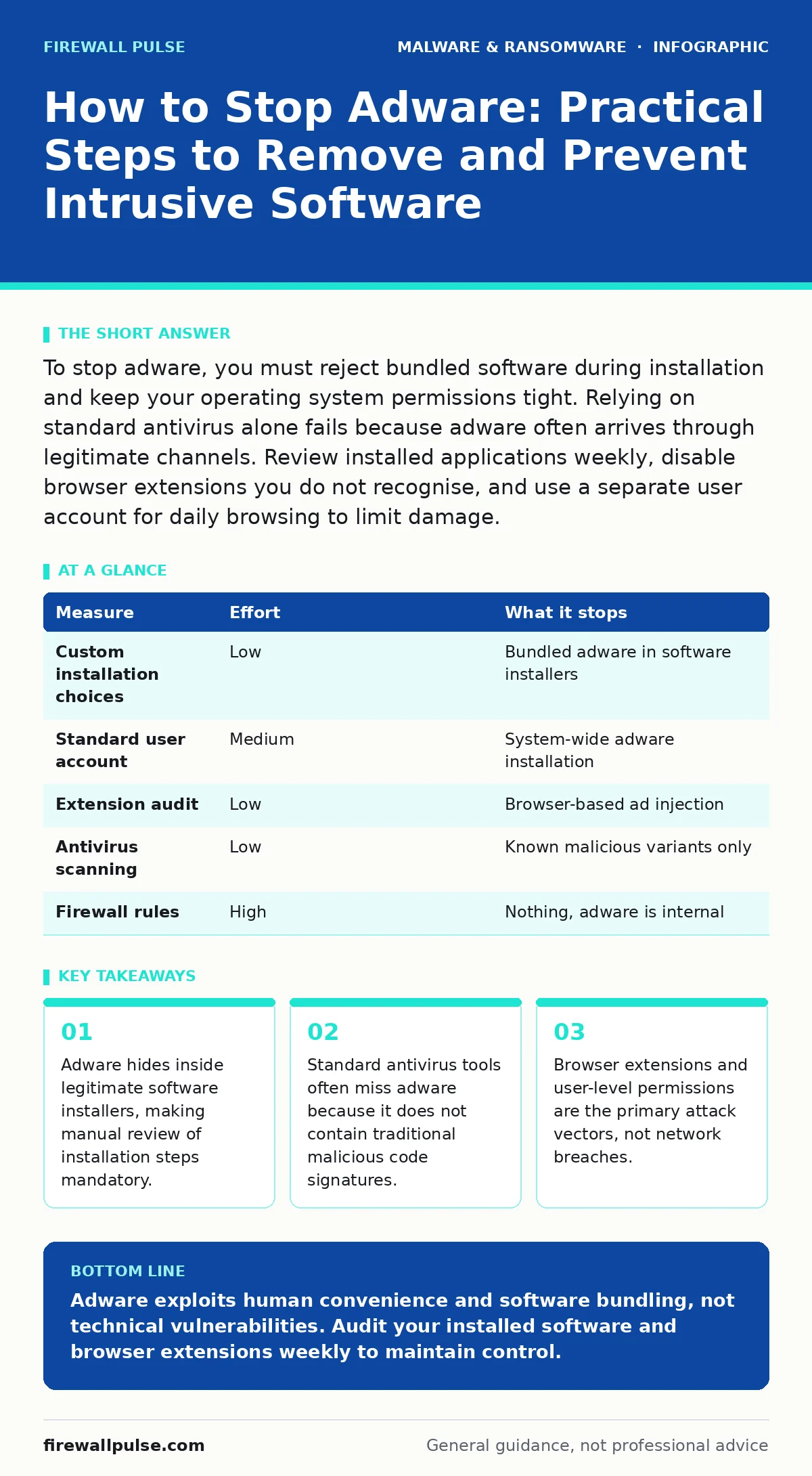
To stop adware, you must reject bundled software during installation and keep your operating system permissions tight. Relying on standard antivirus alone fails because adware often arrives through legitimate channels. Review installed applications weekly, disable browser extensions you do not recognise, and use a separate user account for daily browsing to limit damage.
How to stop adware requires changing your installation habits
You cannot stop adware by installing more security software. The mechanism that allows adware to enter your system is not a vulnerability in your firewall, but a choice you make during software installation. Most adware arrives as a "bundle" with legitimate free software. When you download a free video converter or a utility tool, the installer asks if you want to install additional offers. These offers are often adware programs that change your search engine or inject advertisements into your web pages.
The standard advice to "read the terms" is useless because these options are buried in small text or hidden behind a "Custom Install" button. You must actively choose the custom or advanced installation option every time you install new software. This reveals the checkbox for additional software. Uncheck every box that is not the primary software you intended to download. This single action removes the largest source of adware infections.
Imagine you download a popular photo editor. The installer defaults to a "Recommended" setup. This setup includes a toolbar, a crypto miner, and a search redirector. By clicking "Next" without pausing, you consent to these changes. The software works, but your browser now displays unwanted ads. The adware is not a virus; it is a licensed program you agreed to install.
The hidden cost of free software
Free software is not actually free. The developer recovers costs by selling your attention to advertisers. Adware is the technical implementation of this business model. It monitors your browsing habits and serves targeted advertisements. This is why adware is so persistent. It is not trying to hide from you; it is trying to stay visible to serve ads.
This creates a trade-off. You get the software for no monetary cost, but you pay with your privacy and system performance. Adware consumes CPU cycles to track your behaviour and display ads. This slows down your computer. More importantly, it creates a data trail about your interests. Adware often shares this data with third-party analytics firms. You cannot opt out of this data sharing once the software is installed, unless you uninstall the program entirely.
Why standard antivirus fails to stop adware
Most users believe their antivirus software protects them from all threats. This is a dangerous misconception. Antivirus engines look for known malicious signatures. These are unique patterns of code found in viruses, worms, and trojans. Adware rarely uses these patterns. Instead, it uses legitimate code libraries that are also used by benign applications.
Because adware looks like normal software, antivirus tools often classify it as "low risk" or "adware" but do not block its installation. Some tools will block it, but many will allow it to run because it does not steal passwords or encrypt files. You cannot rely on passive scanning to stop adware. You must use active prevention methods. This includes keeping your operating system updated and using a web browser with strong tracking protection enabled.
Browser extensions are the new entry point
Browser extensions are small programs that add functionality to your web browser. They have deep access to your browsing data. This makes them an ideal vehicle for adware. Many extensions are developed by small teams with weak security practices. They can be compromised by attackers who inject adware code into the extension.
Even if the extension itself is safe, it may request permissions to "read and change all your data on all websites". This permission allows the extension to inject advertisements into any page you visit. You should audit your browser extensions regularly. Remove any extension you do not use daily. If an extension is not from a well-known developer, remove it immediately.
Imagine you install a price comparison tool. The tool works well for months. Then, the developer sells the extension to a larger company. The new owner updates the extension to include advertising networks. Your browser now displays ads, and you cannot tell which extension is responsible. This is why you must limit the number of extensions you install.
User permissions limit the damage
Even if adware installs on your system, you can limit what it can do. The key is to use a standard user account for daily tasks. An administrator account has the power to install software, change system settings, and modify other user accounts. A standard user account cannot install most software without providing an administrator password.
Adware often requires administrator privileges to install deeply into the system. If you are logged in as a standard user, the adware installer will fail or prompt you for a password. This gives you a chance to stop the installation. You should create a separate administrator account that you only use for installing software. Use a standard account for browsing, email, and document editing.
This method does not stop all adware. Some adware can install itself in the user profile without administrator rights. However, it stops the most dangerous variants that try to modify system files. It also prevents accidental installation of bundled software. When you click "Next" too quickly, the system will ask for your password. This pause breaks the habit of blind acceptance.
See also: Disaster Recovery Plans: Definition, Purpose, and Execution Steps
What does not work on its own
Many measures provide a false sense of security. A firewall blocks incoming connections, but adware is already on your machine. It does not need to connect from the outside. A firewall cannot see the adware injecting ads into your browser. Similarly, keeping your browser updated is necessary but not sufficient. Updates fix security holes, but they do not remove existing adware or prevent you from installing new adware.
Using a secondary browser for risky sites helps, but it does not stop adware if you install extensions on that browser. You must combine these measures. No single tool stops adware. You need a layered approach that includes careful installation habits, strict permission management, and regular audits of your software.
| Measure | Effort | What it stops |
|---|---|---|
| Custom installation choices | Low | Bundled adware in software installers |
| Standard user account | Medium | System-wide adware installation |
| Extension audit | Low | Browser-based ad injection |
| Antivirus scanning | Low | Known malicious variants only |
| Firewall rules | High | Nothing, adware is internal |
Closing checklist for immediate action
You can reduce your risk of adware today with three specific actions. First, open your browser settings and disable all extensions you do not use daily. Second, check your installed programs list and remove any software you do not remember installing. Third, create a new standard user account for your daily work. Do not use your administrator account for browsing or email. These steps take less than an hour but significantly reduce your exposure to adware.
Key takeaways
- Adware hides inside legitimate software installers, making manual review of installation steps mandatory.
- Standard antivirus tools often miss adware because it does not contain traditional malicious code signatures.
- Browser extensions and user-level permissions are the primary attack vectors, not network breaches.
Adware exploits human convenience and software bundling, not technical vulnerabilities. Audit your installed software and browser extensions weekly to maintain control.
Frequently asked questions
Is adware the same as malware?
Adware is a type of malware, but it is generally less harmful. It focuses on generating revenue through ads rather than stealing data or destroying files, though it can still compromise privacy.
Can adware steal my passwords?
Most adware does not steal passwords. However, some sophisticated adware can log keystrokes or capture screenshots. It is safer to treat adware as a potential threat to your credentials.
Does deleting browser history remove adware?
No. Deleting history only removes records of your browsing. Adware is software installed on your system. You must uninstall the program or remove the browser extension to stop it.
How do I know if I have adware?
Look for sudden changes in your home page, new toolbars, or frequent pop-up ads. If your browser runs slowly or crashes often, adware may be consuming your system resources.
How this guide was produced: written by the Firewall Pulse editorial team with AI assistance, checked against the public references listed below, and reviewed when the facts change. See our editorial policy or report an error.