Disaster Recovery Plans: Definition, Purpose, and Execution Steps
A disaster recovery plan dictates how you restore systems after failure, distinct from the broader business continuity strategy that keeps operations running.

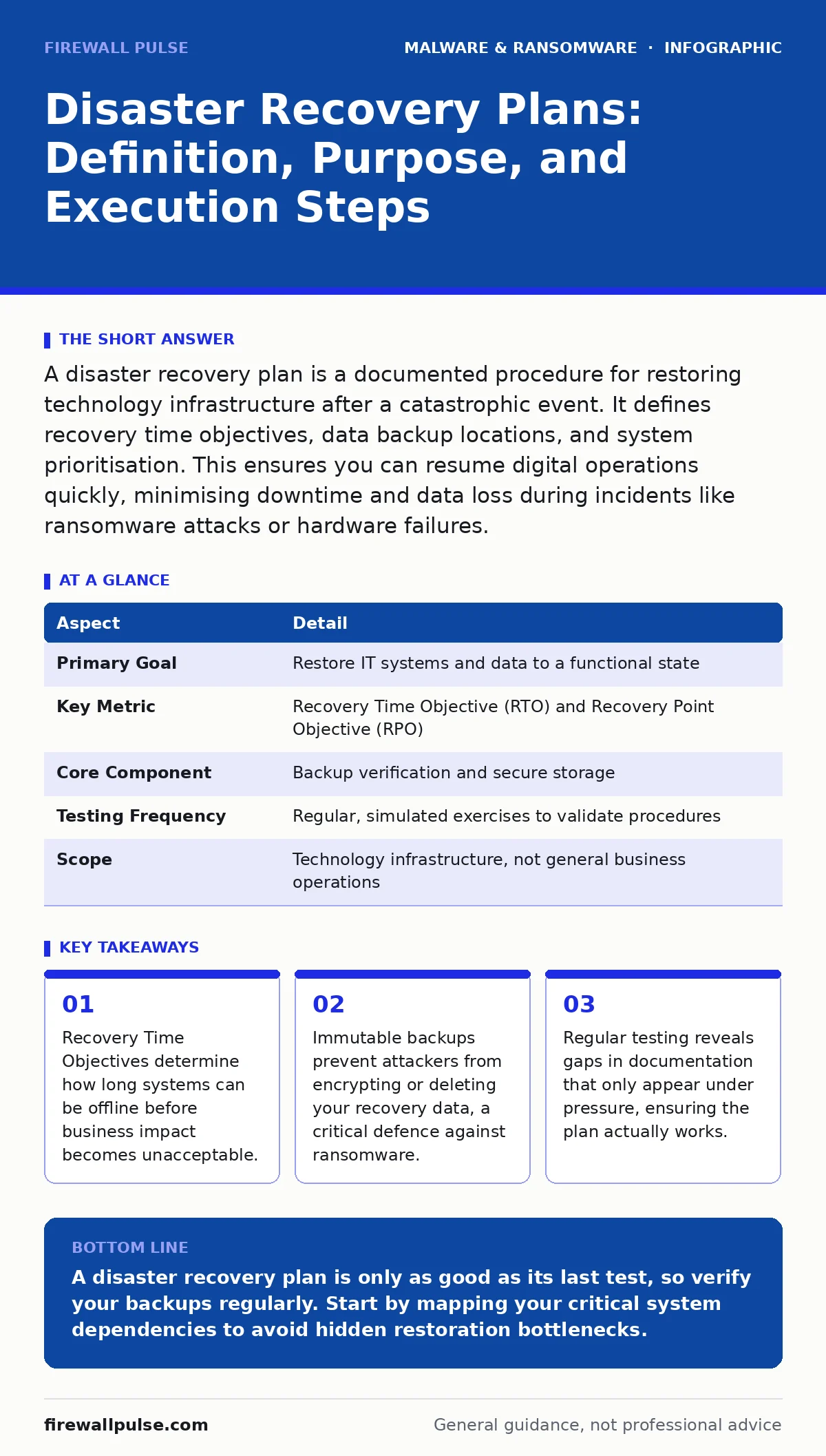
A disaster recovery plan is a documented procedure for restoring technology infrastructure after a catastrophic event. It defines recovery time objectives, data backup locations, and system prioritisation. This ensures you can resume digital operations quickly, minimising downtime and data loss during incidents like ransomware attacks or hardware failures.
Imagine a library where every book has been shredded. You have the words, but you lack the structure. Reassembling them requires a specific order, a clear map of which section goes where, and a team that knows exactly what to do. A disaster recovery plan provides that map for your digital environment.
Disaster recovery is the process of restoring technology infrastructure after a disruptive event. It is not about preventing the event; it is about surviving it. The plan details how to bring servers, networks, and applications back online. It specifies which systems are critical, how long they can remain offline, and where the data resides.
| Aspect | Detail |
|---|---|
| Primary Goal | Restore IT systems and data to a functional state |
| Key Metric | Recovery Time Objective (RTO) and Recovery Point Objective (RPO) |
| Core Component | Backup verification and secure storage |
| Testing Frequency | Regular, simulated exercises to validate procedures |
| Scope | Technology infrastructure, not general business operations |
The plan solves the problem of chaos. When systems fail, panic sets in. Without a written procedure, staff guess. Guessing leads to errors, which extend downtime and increase the risk of permanent data loss. A clear plan removes ambiguity. It tells every team member their specific role. This reduces stress and accelerates the return to normal operations.
The plan fits within a broader security framework. It sits alongside incident response, which handles the immediate containment of threats. While incident response stops the bleed, disaster recovery rebuilds the body. You need both. A strong incident response team cannot fix a server that has no recent backups. Conversely, backups are useless if you cannot verify their integrity during an attack.
Consider the relationship with ransomware backups. If your backups are connected to the live network, attackers can encrypt them too. A disaster recovery plan must specify offline or immutable storage. Immutable storage prevents data from being changed or deleted for a set period. This ensures that even if credentials are stolen, the recovery data remains intact.
Defining the Boundaries
Disaster recovery is often confused with business continuity. Business continuity covers all aspects of keeping an organisation running, including human resources, facilities, and customer communication. Disaster recovery is a subset. It focuses strictly on technology.
This distinction matters for resource allocation. You do not need a complex server rebuild procedure for a temporary power outage if generators keep lights on. However, you do need a detailed restoration path for a database corruption event. Clarity here prevents wasted effort on low-risk scenarios and ensures high-risk areas get the attention they need.
The Core Components
A functional plan rests on three pillars: inventory, prioritisation, and procedure. First, you must know what you have. An accurate asset inventory lists every server, application, and data store. If you do not list it, you will not restore it.
Second, you must prioritise. Not all systems are equal. Some generate revenue; others support internal processes. Prioritisation uses Recovery Time Objectives (RTO) and Recovery Point Objectives (RPO). RTO is the maximum acceptable downtime. RPO is the maximum acceptable data loss, measured in time. For example, an RPO of one hour means you can lose up to an hour of data.
Third, you need step-by-step procedures. These are not vague instructions like "restore server." They are specific commands, account names, and contact details. They must be clear enough for a new employee to follow under pressure.
The Hidden Cost of Complexity
Many plans fail because they assume a linear recovery process. In reality, dependencies create hidden bottlenecks. One system may depend on another that has a longer recovery time. If System A needs System B, but System B takes longer to restore, System A remains offline even after its own restoration is complete.
This dependency mapping is often overlooked. Teams focus on individual servers rather than the ecosystem. You must document these relationships. Identify which applications require specific libraries, databases, or network configurations. Ignoring dependencies leads to a "zombie" state where systems are online but cannot function together.
What People Usually Get Wrong
The most common error is treating the plan as a static document. Technology changes. New servers are added. Old ones are retired. If the plan is not updated, it becomes a fiction. A plan that was accurate six months ago may be useless today.
Another mistake is relying solely on automated backups. Automation reduces human error but introduces configuration drift. If the backup job changes without updating the plan, the restoration process fails. You must verify that backups are not only created but also restorable.
Many also neglect the human element. The plan assumes that key personnel are available. During a disaster, they may be unreachable or overwhelmed. Cross-training ensures that multiple people can execute critical steps. This reduces the risk of single points of failure in the team itself.
Integrating with Other Defences
Disaster recovery does not exist in a vacuum. It intersects with other security measures. For instance, malware detection helps identify infected backups before restoration. If you restore a backup containing malware, you reinfect the environment.
Similarly, USB malware can compromise endpoint devices used for recovery tasks. Using air-gapped or strictly controlled recovery media prevents this vector. The plan should specify which devices are allowed in the recovery zone.
Web shells often reside in backup data if the backup interval is too long. Shortening the RPO reduces the window for infection. However, this increases storage costs. You must balance the risk of data loss against the cost of frequent backups.
See also: Stop Mobile Malware: Practical Prevention That Actually Works · IoT Malware Risks: Practical Protection for Small Business Networks
Testing and Validation
A plan that has not been tested is not a plan. It is a hope. Testing reveals gaps in documentation, missing credentials, and outdated procedures. Tabletop exercises simulate the decision-making process. Technical drills verify the actual restoration of systems.
Start small. Test the restoration of a single non-critical server. Gradually increase the complexity. Test full system restores during off-peak hours. Document every failure. Each failure is an opportunity to improve the plan.
Regular testing also ensures that the team remains proficient. Skills degrade without practice. Frequent drills keep the team sharp and confident. This reduces the time needed to execute the plan during a real event.
The Path Forward
Building a disaster recovery plan is an iterative process. Start with the critical systems. Define their RTO and RPO. Document the restoration steps. Test them. Then expand to other systems.
Do not aim for perfection. Aim for resilience. The goal is not to prevent all disasters, but to survive them with minimal impact. By focusing on clear procedures, verified backups, and regular testing, you create a robust foundation for your organisation's digital survival.
Key takeaways
- Recovery Time Objectives determine how long systems can be offline before business impact becomes unacceptable.
- Immutable backups prevent attackers from encrypting or deleting your recovery data, a critical defence against ransomware.
- Regular testing reveals gaps in documentation that only appear under pressure, ensuring the plan actually works.
- Disaster recovery focuses on technology, while business continuity covers broader operational resilience.
A disaster recovery plan is only as good as its last test, so verify your backups regularly. Start by mapping your critical system dependencies to avoid hidden restoration bottlenecks.
Frequently asked questions
How often should I update my disaster recovery plan?
Update it whenever there are significant changes to your infrastructure, such as new server deployments or application updates. Review it at least annually.
What is the difference between RTO and RPO?
RTO is the maximum time systems can be offline. RPO is the maximum amount of data loss acceptable, measured in time before the incident.
Should I keep backups in the cloud?
Cloud storage offers scalability and off-site redundancy, but ensure you control the encryption keys and verify that the provider supports immutable storage options.
How do I handle disaster recovery for mobile devices?
Focus on data rather than the device. Ensure mobile devices sync data to central servers regularly. Use mobile device management to wipe lost devices and provision new ones quickly.
How this guide was produced: written by the Firewall Pulse editorial team with AI assistance, checked against the public references listed below, and reviewed when the facts change. See our editorial policy or report an error.