IoT Malware Risks: Practical Protection for Small Business Networks
Standard antivirus software cannot inspect the closed operating systems of most internet-connected devices, leaving a blind spot that attackers exploit to pivot into your main network.
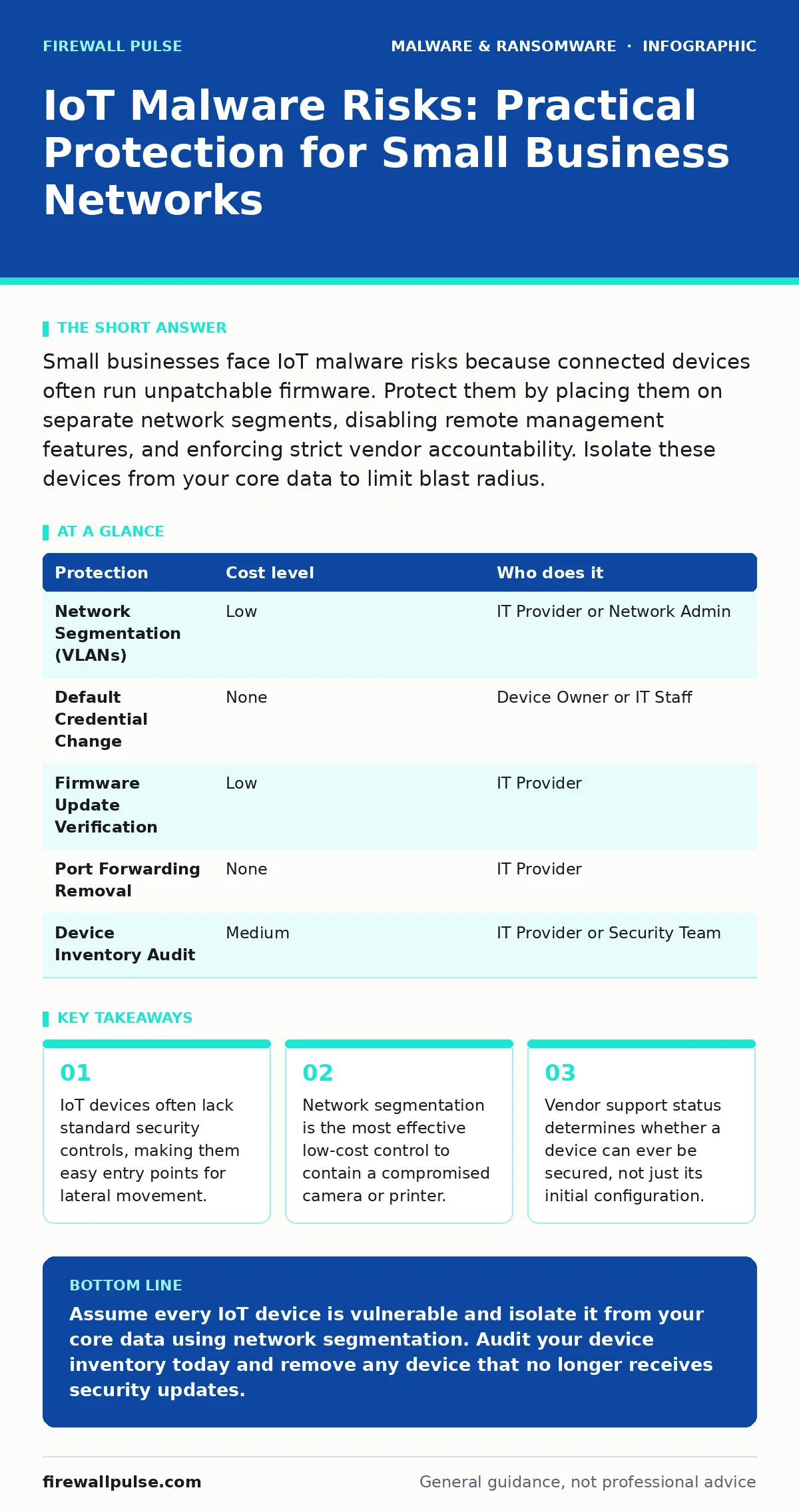
Small businesses face IoT malware risks because connected devices often run unpatchable firmware. Protect them by placing them on separate network segments, disabling remote management features, and enforcing strict vendor accountability. Isolate these devices from your core data to limit blast radius.
The Invisible Attack Surface
You likely audit your computers and servers regularly. You probably neglect the devices that do not have screens. Internet of Things (IoT) devices include smart thermostats, networked cameras, and industrial sensors. These devices often run embedded operating systems that are closed and proprietary.
Traditional antivirus software relies on scanning file systems and monitoring process behaviour. Most IoT firmware does not allow standard agents to install or run. This creates a blind spot in your security monitoring. When an attacker compromises such a device, your standard tools often register nothing unusual.
The risk is not just the loss of the device itself. The device becomes a foothold. Once inside, malware can scan for other vulnerable systems. It can harvest credentials or exfiltrate data. The small organisation is exposed because it assumes network connectivity implies security, rather than isolation.
Why Segmentation Is Your First Line of Defence
You cannot patch every device. Many IoT vendors stop releasing updates after a few years. Some devices are designed to run for a decade without intervention. This means the software will always contain known vulnerabilities.
Network segmentation solves this by limiting access. You place IoT devices on a separate virtual local area network (VLAN). This is a logical division of your network that restricts traffic flow. The IoT network can talk to the internet for updates, but it cannot talk to your file servers or email systems.
If malware infects a smart camera, it remains trapped in that segment. It cannot reach your sensitive data. This is a low-cost protection that requires only router configuration, not new hardware. It forces the attacker to find a second vulnerability to move forward, which significantly reduces their chance of success.
Hardening Devices Without Software Updates
You must treat every connected device as potentially compromised. You should change default credentials immediately. Many devices ship with generic usernames and passwords that are public knowledge. Attackers use automated bots to scan for these defaults.
Disable remote management features if you do not need them. Many devices allow configuration over the internet via protocols like UPnP or Telnet. These protocols often lack strong authentication. Disabling them removes the attack surface from the public internet.
Check for unused services. A networked printer might offer a web interface, a file transfer service, and a printing queue. If you only use the printing queue, disable the others. Each open service is a potential door for malware. Closing unused doors reduces the number of ways an attacker can enter.
The Hidden Cost of Convenience
Convenience often trades off against security. You might allow a device to connect to your guest Wi-Fi for ease of setup. This often grants the device access to the same broadcast domain as your laptops. If the device is compromised, it can sniff traffic from your computers.
Imagine a smart speaker that records audio. If the firmware is weak, an attacker can use it to listen to conversations. This is a privacy risk, but it is also an intelligence gathering tool. The attacker learns names, roles, and project details. This information helps them craft targeted social engineering attacks against your staff.
The cost of this convenience is not just a breach. It is the loss of trust. Clients expect you to protect their data. A breach via a trivial device looks like negligence. It suggests you did not understand your own environment. This reputational damage is harder to repair than any technical fix.
Protection Matrix for Small Teams
Implementing these controls does not require a large budget. It requires discipline and clear ownership. The table below outlines common measures and who should execute them.
| Protection | Cost level | Who does it |
|---|---|---|
| Network Segmentation (VLANs) | Low | IT Provider or Network Admin |
| Default Credential Change | None | Device Owner or IT Staff |
| Firmware Update Verification | Low | IT Provider |
| Port Forwarding Removal | None | IT Provider |
| Device Inventory Audit | Medium | IT Provider or Security Team |
See also: Clone Phishing: How to Spot Cloned Emails and Stop Fraud · Stop Mobile Malware: Practical Prevention That Actually Works
What to Ask Your IT Provider
Your IT provider manages your infrastructure. They must understand the specific risks of IoT devices. You should ask them direct questions to ensure they are not just managing PCs.
- How do you inventory all networked devices, including those without operating systems like Windows or Linux?
- What is the process for isolating new IoT devices before they connect to the main network?
- Do you monitor for unusual traffic patterns coming from the IoT segment, even if no antivirus alerts are generated?
- How do you handle devices that no longer receive firmware updates from the manufacturer?
These questions reveal whether your provider treats IoT as an afterthought. A provider who cannot answer these questions clearly may not be capable of protecting your expanded attack surface. They may be focused only on traditional endpoints, leaving your IoT devices exposed.
Integration with Broader Security Practices
IoT security does not exist in a vacuum. It must align with your overall security strategy. For instance, if your disaster recovery plans do not account for networked infrastructure, you may fail to restore critical services after an incident. A compromised IoT device can disrupt network availability, triggering a recovery event.
You should also consider how IoT devices interact with other threats. Web shells are often uploaded to vulnerable servers, but they can also target web interfaces on IoT devices. Understanding this overlap helps you prioritise patching. Similarly, ransomware backups must exclude IoT devices, as they cannot be encrypted in the same way as file servers, but their compromise can lead to ransomware deployment on other systems.
Monitoring for USB malware is relevant if staff use USB drives to configure IoT devices. These drives can carry persistent threats that infect the device during setup. Ensuring that configuration media is clean is a simple but often overlooked step. Finally, while stalkerware is typically a mobile threat, the same principles of device control and user education apply to IoT devices that might be used for surveillance.
The Reality of Long-Term Maintenance
Security is not a one-time setup. It is a continuous process. You must review your IoT inventory regularly. Devices are added, removed, and replaced. New vulnerabilities are discovered constantly.
You should establish a policy for device retirement. When a vendor stops providing updates, the device becomes a liability. You must replace it or isolate it completely from any network that accesses sensitive data. Keeping outdated devices connected is a gamble you will eventually lose.
By focusing on segmentation, credential management, and vendor accountability, you reduce the risk significantly. You accept that you cannot make the device invulnerable. Instead, you ensure that if it fails, the damage is contained. This pragmatic approach is sustainable for small organisations with limited resources.
Key takeaways
- IoT devices often lack standard security controls, making them easy entry points for lateral movement.
- Network segmentation is the most effective low-cost control to contain a compromised camera or printer.
- Vendor support status determines whether a device can ever be secured, not just its initial configuration.
Assume every IoT device is vulnerable and isolate it from your core data using network segmentation. Audit your device inventory today and remove any device that no longer receives security updates.
Frequently asked questions
Can I use a consumer router to segment my IoT devices?
Most consumer routers lack true VLAN support. You may need a business-grade router or a separate access point for the IoT network to achieve proper isolation.
What if the device needs to talk to my main network to function?
You must create specific firewall rules allowing only the necessary traffic. Block all other communication. Regularly review these rules to ensure they remain minimal.
How do I know if an IoT device has been compromised?
Look for unusual traffic patterns, such as connections to unknown external IP addresses. Network monitoring tools can detect these anomalies even without endpoint agents.
Is cloud-connected IoT safer than local IoT?
Not necessarily. Cloud connections expand the attack surface. You must secure the credentials and APIs used to communicate with the cloud service, just as you would secure the device itself.
How this guide was produced: written by the Firewall Pulse editorial team with AI assistance, checked against the public references listed below, and reviewed when the facts change. See our editorial policy or report an error.