Cross-Site Scripting Prevention Checklist for Secure Web Applications
Most cross-site script attacks fail when output encoding is applied at the point of rendering rather than at the point of data entry.

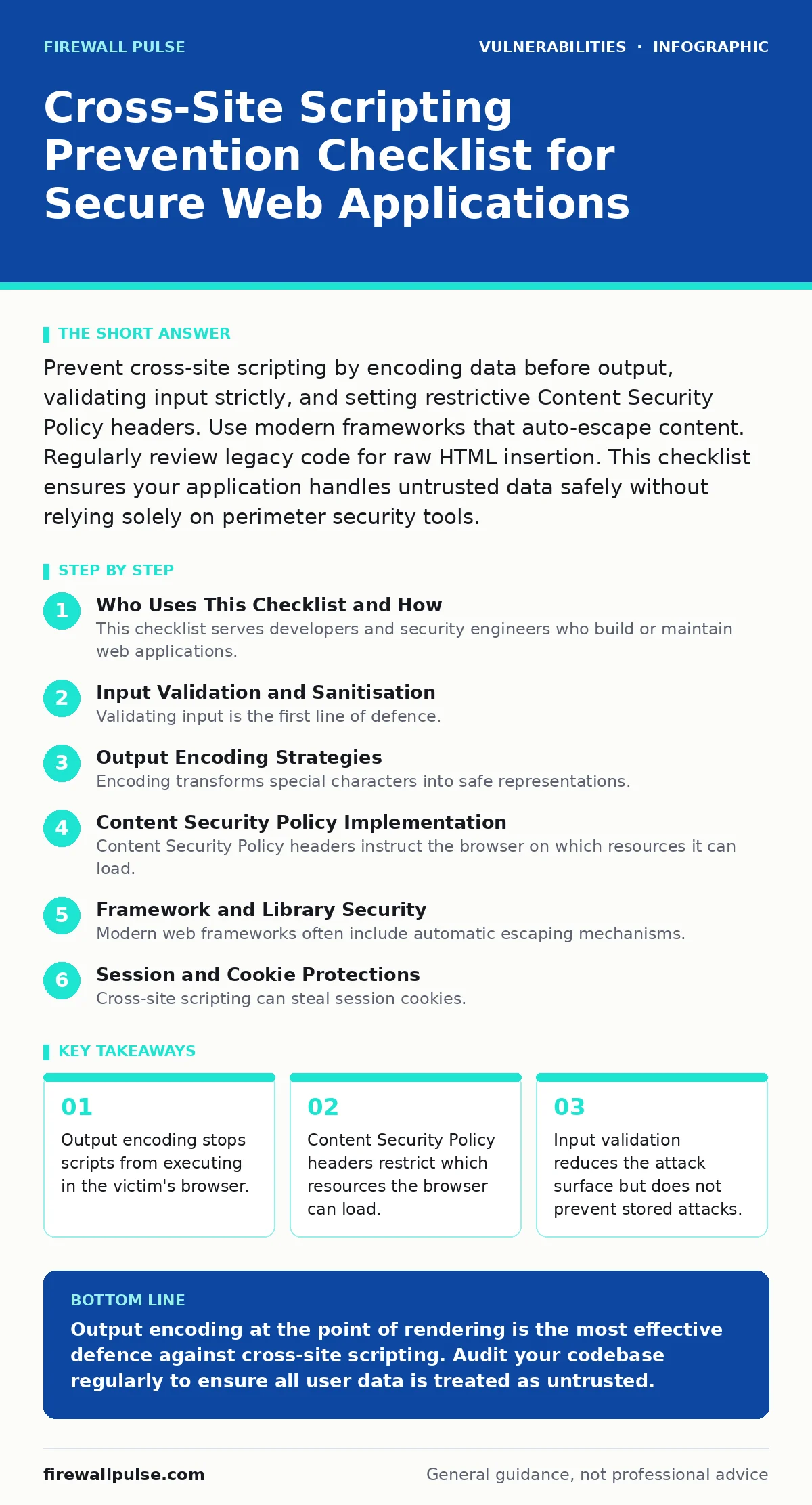
Prevent cross-site scripting by encoding data before output, validating input strictly, and setting restrictive Content Security Policy headers. Use modern frameworks that auto-escape content. Regularly review legacy code for raw HTML insertion. This checklist ensures your application handles untrusted data safely without relying solely on perimeter security tools.
Who Uses This Checklist and How
This checklist serves developers and security engineers who build or maintain web applications. You use it to audit your codebase against common cross-site scripting pitfalls. Cross-site scripting allows attackers to inject malicious scripts into web pages viewed by others. The goal is to ensure every piece of user data is treated as untrusted. Do not rely on previous audits. Treat every new feature as a potential vector. Review this list during design and code review phases.
Input Validation and Sanitisation
Validating input is the first line of defence. You must define exactly what characters and formats are acceptable for each field. Strict validation reduces the volume of malicious data entering your system. However, validation alone does not prevent stored cross-site scripting. Attackers can bypass validation rules if the server stores data before rendering it. You must validate on the server side, not just in the browser. Client-side checks can be bypassed easily. Server-side validation ensures the data meets your expectations before processing.
- Define strict allowlists for input fields: Allowlists are safer than blocklists because they reject anything not explicitly permitted.
- Validate data types and lengths: Incorrect types can break parsing logic and create injection opportunities.
- Reject unexpected control characters: Control characters can confuse parsers and lead to unexpected behaviour in downstream systems.
Output Encoding Strategies
Encoding transforms special characters into safe representations. This prevents the browser from interpreting data as executable code. You must encode data at the moment it is inserted into the HTML document. Different contexts require different encoding methods. HTML body content needs HTML entity encoding. JavaScript variables need JavaScript string encoding. Using the wrong encoder for the context creates vulnerabilities. Many modern frameworks handle this automatically, but legacy code often requires manual intervention.
- Encode HTML entities in body content: This stops angle brackets from being interpreted as tags.
- Encode attributes separately from body content: Attribute values have different escaping rules than body text.
- Use context-aware encoding libraries: Generic encoders may miss context-specific requirements and leave gaps.
- Avoid inserting user data into JavaScript directly: If unavoidable, use JSON encoding and decode it safely in the script.
Content Security Policy Implementation
Content Security Policy headers instruct the browser on which resources it can load. This mitigates the impact of a successful cross-site scripting attack. Even if an attacker injects a script, the policy can block it from executing or communicating with external servers. You must configure these headers on your web server. Start with a report-only mode to avoid breaking legitimate functionality. Gradually tighten the policy as you identify trusted sources. A strict policy significantly reduces the risk of data theft and account takeover.
- Set the default-src directive to self: This blocks all external resources unless explicitly allowed.
- Specify script-src explicitly: This prevents inline scripts and external malicious scripts from running.
- Use nonce or hash for inline scripts: These methods allow specific inline scripts while blocking others.
- Monitor violation reports: Reports help you identify legitimate scripts that need whitelisting.
Framework and Library Security
Modern web frameworks often include automatic escaping mechanisms. You must understand how your framework handles output. Disabling auto-escaping for convenience creates immediate vulnerabilities. Ensure your libraries are up to date. Older versions may contain known flaws that attackers exploit. Vulnerability scanning helps identify outdated components. Regular updates patch these issues. You should also review documentation for safe rendering methods. Misusing framework features is a common cause of cross-site scripting in modern applications.
- Verify auto-escaping is enabled: Frameworks can be configured to skip encoding, which is dangerous.
- Update dependencies regularly: Outdated libraries often lack fixes for known encoding bypasses.
- Use safe rendering methods: Frameworks provide specific functions for rendering HTML safely; use them instead of raw concatenation.
- Audit third-party components: Third-party code may not follow your security standards and can introduce risks.
Session and Cookie Protections
Cross-site scripting can steal session cookies. You must protect these cookies from JavaScript access. Setting the HttpOnly flag prevents JavaScript from reading the cookie. Setting the Secure flag ensures the cookie is only sent over HTTPS. These settings reduce the value of a stolen cookie. However, they do not prevent the initial injection. You must still encode output. These protections are a second layer of defence. They limit damage if an attacker successfully injects a script.
- Set the HttpOnly flag on session cookies: This prevents JavaScript from accessing the cookie value.
- Set the Secure flag on all cookies: This ensures cookies are only transmitted over encrypted connections.
- Use SameSite attribute: This helps prevent cross-site request forgery and limits cookie theft.
- Implement short session timeouts: Shorter sessions reduce the window of opportunity for attackers.
Testing and Continuous Monitoring
Manual testing alone is insufficient for large applications. You need automated testing to catch regressions. Dynamic application security testing tools can simulate attacks. These tools help identify encoding failures. You should also perform manual code reviews. Automated tools miss context-specific issues. Human reviewers can spot logic errors. Regular testing ensures your protections remain effective. As your application grows, new vulnerabilities emerge. Continuous monitoring is necessary to maintain security posture. See our guide on vulnerability scanning for more details on automated testing strategies.
- Run automated XSS tests in CI/CD: Automated tests catch issues early in the development cycle.
- Perform manual code reviews: Human reviewers can identify complex logic errors that tools miss.
- Test with varied input sets: Different inputs can trigger different encoding paths.
- Monitor for new vulnerabilities: Stay informed about new attack techniques and update your defences.
Handling Legacy Code
Legacy code often lacks modern security features. You must prioritise refactoring high-risk components. Identify areas where raw HTML is constructed. Replace these with safe rendering methods. If refactoring is not possible, implement strict output encoding. Consider using a Content Security Policy to mitigate risks. Legacy systems are often the weakest link. They may not support modern headers or frameworks. A dedicated remediation plan is necessary. Do not ignore legacy code because it is old. Attackers target these systems frequently.
- Identify high-risk legacy components: Focus on areas with direct user input and dynamic rendering.
- Implement output encoding retroactively: Add encoding to existing code where it is missing.
- Apply strict Content Security Policy: Use headers to limit the impact of legacy vulnerabilities.
- Plan for gradual refactoring: Replace unsafe patterns with safe alternatives over time.
Key takeaways
- Output encoding stops scripts from executing in the victim's browser.
- Content Security Policy headers restrict which resources the browser can load.
- Input validation reduces the attack surface but does not prevent stored attacks.
Output encoding at the point of rendering is the most effective defence against cross-site scripting. Audit your codebase regularly to ensure all user data is treated as untrusted.
Frequently asked questions
Does input validation prevent cross-site scripting?
Input validation reduces the attack surface but does not prevent stored attacks. You must also encode output to stop scripts from executing in the browser.
Can Content Security Policy stop all XSS attacks?
Content Security Policy mitigates the impact of successful attacks by blocking script execution. It does not prevent the initial injection of malicious code.
Is client-side validation enough for security?
Client-side validation can be bypassed easily. You must validate input on the server side to ensure data integrity before processing.
How do I handle XSS in JSON APIs?
Ensure your API responses are properly encoded. Use Content-Type headers to specify the correct media type. Avoid returning HTML in JSON responses.
How this guide was produced: written by the Firewall Pulse editorial team with AI assistance, checked against the public references listed below, and reviewed when the facts change. See our editorial policy or report an error.