HIPAA Security Rule Explained: The Physical Lock Analogy
The HIPAA Security Rule mandates specific administrative and technical safeguards, not just encryption, to protect sensitive health data in digital systems.
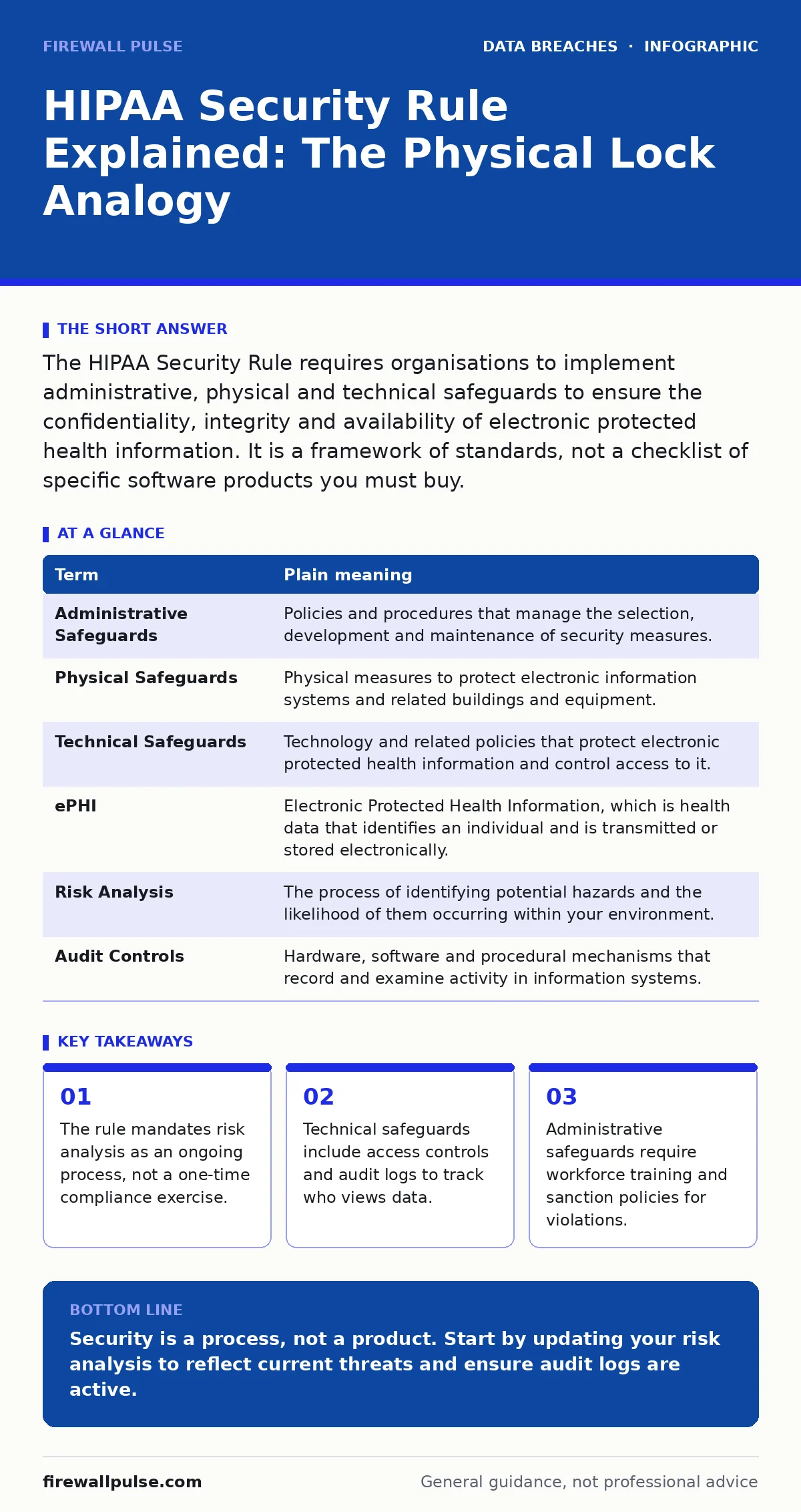
The HIPAA Security Rule requires organisations to implement administrative, physical and technical safeguards to ensure the confidentiality, integrity and availability of electronic protected health information. It is a framework of standards, not a checklist of specific software products you must buy.
The Filing Cabinet Analogy
Imagine a secure filing cabinet in a busy hospital corridor. This cabinet holds patient records. The HIPAA Security Rule is not just the lock on the door. It is the entire system that ensures only authorised staff open it, that they only take out the files they need, and that no one copies pages for personal use.
Most people think security is just the lock. In reality, the rule covers who gets a key, how the key is stored, and what happens if someone forgets to lock the door. This analogy helps clarify why technical controls alone are insufficient without administrative and physical policies.
Defining the Core Terms
To understand the rule, you must distinguish between the three types of safeguards. These categories often overlap in practice, but the regulation treats them as distinct areas of responsibility.
| Term | Plain meaning |
|---|---|
| Administrative Safeguards | Policies and procedures that manage the selection, development and maintenance of security measures. |
| Physical Safeguards | Physical measures to protect electronic information systems and related buildings and equipment. |
| Technical Safeguards | Technology and related policies that protect electronic protected health information and control access to it. |
| ePHI | Electronic Protected Health Information, which is health data that identifies an individual and is transmitted or stored electronically. |
| Risk Analysis | The process of identifying potential hazards and the likelihood of them occurring within your environment. |
| Audit Controls | Hardware, software and procedural mechanisms that record and examine activity in information systems. |
Administrative Safeguards: The Policy Layer
Administrative safeguards are the foundation. They define who is responsible for security. You must designate a security official who oversees the implementation of policies. This person does not need to be a technical expert, but they must have the authority to enforce rules.
You must also conduct a risk analysis. This is not a box-ticking exercise. It is a documented assessment of where your data lives, who can access it, and what threats exist. Many organisations fail here because they treat risk analysis as a one-time event. Threats change as technology evolves. Your analysis must be repeated regularly to remain accurate.
Technical Safeguards: Controlling Access
Technical safeguards focus on the data itself. Access control ensures that only authorised users can view ePHI. This often involves role-based access control, where permissions are granted based on a user’s job function rather than their individual identity. A receptionist needs different access than a surgeon.
Audit controls are equally critical. You must record who accessed what data and when. These logs allow you to detect unusual activity. If a user accesses hundreds of records at 3am, the audit log flags this anomaly. Without logs, you cannot prove that a breach occurred or determine its scope.
Physical Safeguards: Protecting the Hardware
Physical safeguards protect the devices that store data. This includes workstation use and mobility policies. A laptop left unattended in a coffee shop is a physical vulnerability. Even if the data is encrypted, the device itself is at risk of theft or tampering.
You must also consider facility access. Servers should be in locked rooms with controlled entry. This prevents unauthorised individuals from physically connecting to network ports or stealing hard drives. Physical security is often the weakest link in small organisations that share office space.
See also: Stop Unauthorized Access: Practical Controls That Actually Work · Leaked Source Code: How to Contain and Neutralise the Threat
Common Points of Confusion
Many believe that encryption alone satisfies the rule. This is incorrect. Encryption is a recommended specification, but the rule requires you to assess whether it is appropriate for your environment. If you use other controls that achieve the same level of protection, you may choose not to encrypt, though this is rare in modern practice.
Another confusion is the scope of unauthorised access. This does not just mean hackers breaking in. It includes employees accessing records out of curiosity. The rule applies to all workforce members, not just IT staff. Training is therefore a mandatory administrative safeguard.
Try This Now
- Conduct a fresh risk analysis that maps all endpoints where ePHI is stored or processed.
- Review your audit logs to ensure they capture successful and failed login attempts.
- Verify that your workforce training includes specific examples of social engineering attacks.
The Bottom Line
The HIPAA Security Rule is a framework for managing risk, not a static list of requirements. It requires continuous monitoring and adaptation to new threats.
Key takeaways
- The rule mandates risk analysis as an ongoing process, not a one-time compliance exercise.
- Technical safeguards include access controls and audit logs to track who views data.
- Administrative safeguards require workforce training and sanction policies for violations.
Security is a process, not a product. Start by updating your risk analysis to reflect current threats and ensure audit logs are active.
Frequently asked questions
Does the HIPAA Security Rule apply to paper records?
No, the Security Rule specifically covers electronic protected health information. Paper records are covered under the Privacy Rule, which has different requirements for physical safeguarding.
How often must risk analysis be performed?
There is no fixed frequency mandated by the rule. However, it must be performed regularly enough to remain accurate. Most experts recommend annual reviews or after any significant change to the environment.
Can I use cloud services for ePHI?
Yes, provided the cloud provider signs a Business Associate Agreement. This contract ensures they implement appropriate safeguards and are liable for breaches caused by their negligence.
What is the difference between a breach and an incident?
An incident is any security event. A breach is an incident that involves unauthorised access to ePHI that compromises its confidentiality, integrity or availability. Not all incidents are breaches.
How this guide was produced: written by the Firewall Pulse editorial team with AI assistance, checked against the public references listed below, and reviewed when the facts change. See our editorial policy or report an error.