Implement Role-Based Access Control: A Step-by-Step Plan
Role-based access control prevents privilege creep by tying permissions to job functions rather than individual identities, reducing the blast radius of compromised accounts.
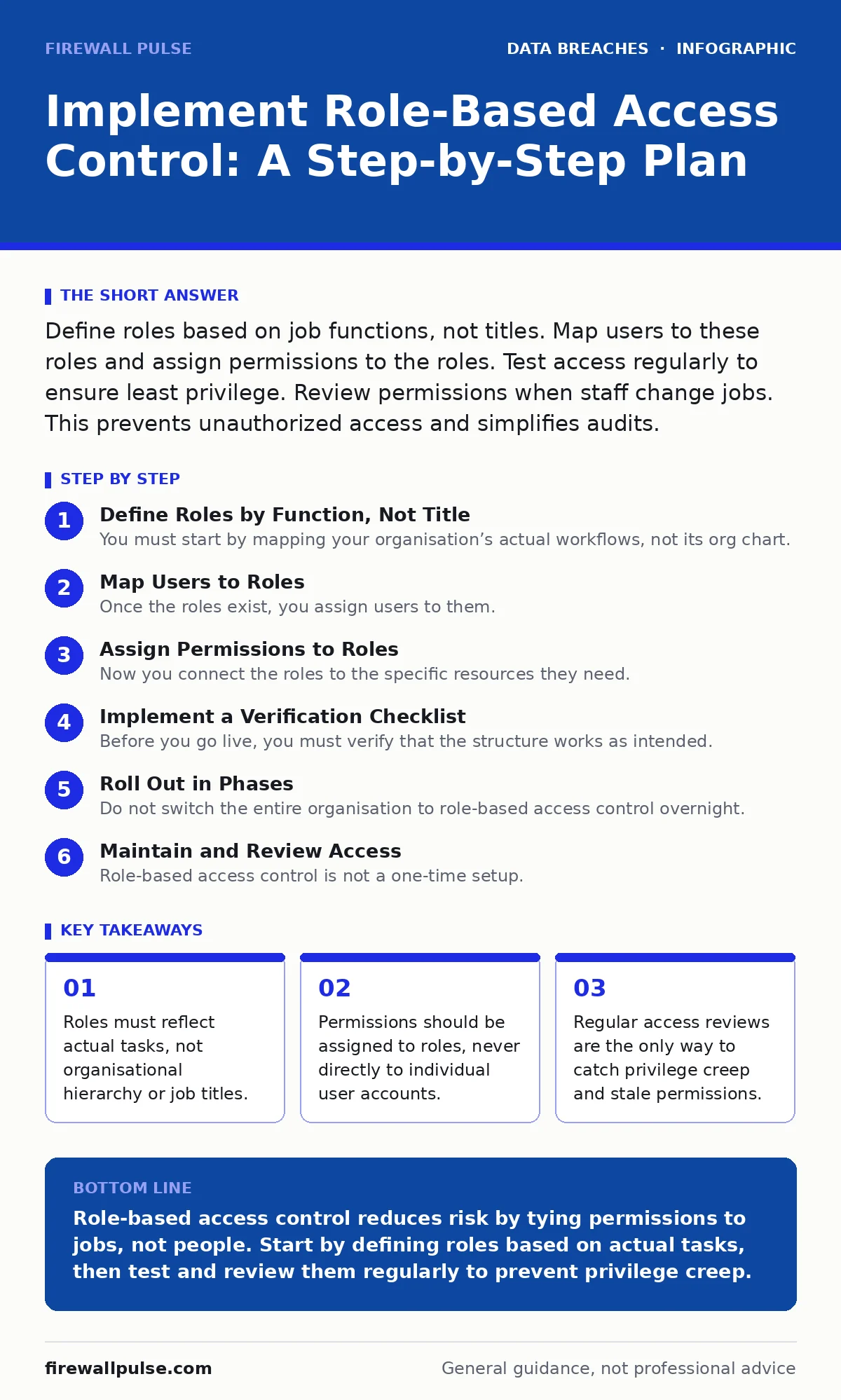
Define roles based on job functions, not titles. Map users to these roles and assign permissions to the roles. Test access regularly to ensure least privilege. Review permissions when staff change jobs. This prevents unauthorized access and simplifies audits.
Define Roles by Function, Not Title
You must start by mapping your organisation’s actual workflows, not its org chart. A job title like "Manager" does not tell you which systems that person needs to touch. A role is a collection of permissions required to perform a specific set of tasks. You need to identify every distinct function that interacts with your data or systems.
Imagine a marketing coordinator who needs to upload images to a content management system but must not be able to view financial reports. If you assign permissions based on the title "Coordinator", you might accidentally grant them access to HR files used by a different department. This is how unauthorized access begins.
Create a list of these functional roles. Keep the list small. If you have more than ten roles for a single team, you are likely over-complicating the structure. Each role should have a clear name, a written description of its duties, and a list of the exact permissions it requires.
Map Users to Roles
Once the roles exist, you assign users to them. This is the core mechanism of role-based access control. You do not grant permissions to John or Jane; you grant them to the "Editor" or "Auditor" role, and then you place John in the "Editor" role. This decouples identity from permission.
When an employee leaves, you remove their account from the role, and they lose all access instantly. When they return with a new account, you add them to the role, and they get the correct access immediately. This reduces administrative error and speeds up onboarding.
Do not create unique roles for individual people. If you create a role called "John’s Special Access", you have broken the model. That permission will persist after John leaves, creating a hidden backdoor. If a task is unique to one person, document it as a process, not a permission set.
Assign Permissions to Roles
Now you connect the roles to the specific resources they need. This is where you apply the principle of least privilege. Grant only the minimum access required to do the job. If an editor needs to read and write articles, they do not need to delete the database.
Check your applications and systems for existing permission sets. Many tools offer predefined roles like "Reader", "Writer", or "Admin". Use these where possible. Only create custom roles if the predefined ones are too broad or too narrow.
Consider the concept of separation of duties. This means splitting critical tasks between multiple people so that no single individual can complete a fraudulent action alone. For example, the person who writes a cheque should not be the same person who signs it. In digital systems, this might mean the developer who writes code cannot also deploy it to production.
Implement a Verification Checklist
Before you go live, you must verify that the structure works as intended. You cannot assume that because the system accepts the configuration, it is correct. You need to test the boundaries.
- Create a test user and assign them to a low-privilege role.
- Attempt to access a resource that role should not see. The system must deny the request.
- Attempt to access a resource that role should see. The system must allow the request.
- Move the test user to a higher-privilege role.
- Verify that the new permissions are active and the old ones are still present if cumulative.
- Remove the test user from all roles.
- Verify that the user can no longer access any resources.
If any of these tests fail, your implementation is flawed. Do not proceed until every test passes. This checklist ensures that your access controls are enforced at the system level, not just on paper.
Roll Out in Phases
Do not switch the entire organisation to role-based access control overnight. You will break critical workflows. Start with a non-critical system or a single department. This allows you to identify issues without disrupting business operations.
Monitor the system closely during this phase. Look for error logs that indicate denied access. Some of these denials are expected, as you are tightening security. Others may indicate that you have misconfigured a role or missed a necessary permission.
Gather feedback from the users. Ask them what tasks they can no longer perform. If a user cannot do their job, your role definition is wrong. Adjust the permissions and re-test. Once the pilot is stable, expand to other departments.
See also: Least Privilege Access Checklist for Secure Systems · Stop Unauthorized Access: Practical Controls That Actually Work
Maintain and Review Access
Role-based access control is not a one-time setup. It requires ongoing upkeep. People change jobs, projects end, and technologies evolve. If you do not review access, you will suffer from privilege creep. This is the gradual accumulation of permissions over time, as users are added to new roles but never removed from old ones.
Schedule regular access reviews. Quarterly is a good starting point. During these reviews, managers must confirm that their staff still need the roles they hold. If an employee has moved to a new department, their old roles must be removed.
Automate this process where possible. Use identity management tools to trigger reviews when an employee’s job title changes. This reduces the manual effort required and ensures that reviews happen consistently.
Handle Exceptions and Overrides
There will be times when a user needs temporary access to a role they do not normally hold. Perhaps an auditor needs to view financial data for a week. You should not add them to the "Finance" role permanently.
Create a temporary override process. This should require approval from a manager and have a strict expiry date. The system should automatically remove the access when the time is up. Document every override. This creates a chain of custody for who accessed what and why.
If you find yourself creating many temporary overrides, your role definitions are too rigid. You may need to create a new, broader role or adjust the permissions of an existing one. The goal is to minimise the need for exceptions.
Integrate with Broader Security
Role-based access control is one part of your security strategy. It works best when combined with other controls. For example, multi-factor authentication ensures that the person logging in is who they claim to be. Logging and monitoring detect when someone uses their permissions maliciously.
Consider how this relates to third-party risk assessments. External vendors may need access to your systems. You should create specific roles for them that limit their access to only what they need to do their job. Never give them administrative access.
This approach also supports compliance frameworks. Many regulations require proof that access is restricted to authorised personnel. Role-based access control provides a clear audit trail of who has access to what and why.
Key takeaways
- Roles must reflect actual tasks, not organisational hierarchy or job titles.
- Permissions should be assigned to roles, never directly to individual user accounts.
- Regular access reviews are the only way to catch privilege creep and stale permissions.
Role-based access control reduces risk by tying permissions to jobs, not people. Start by defining roles based on actual tasks, then test and review them regularly to prevent privilege creep.
Frequently asked questions
How do I handle users who have multiple jobs?
Assign them to multiple roles. The system combines the permissions from all assigned roles. Ensure you review these combinations regularly to prevent excessive access.
What is the difference between RBAC and ABAC?
Role-based access control uses predefined roles. Attribute-based access control uses dynamic attributes like time, location, or device type. ABAC is more flexible but harder to manage.
How often should I review access?
At least quarterly. More frequent reviews are better for high-risk systems. Trigger immediate reviews when employees change roles or leave the organisation.
Can I use RBAC for cloud services?
Yes. Most cloud providers support role-based access control. Use their native tools to define roles and assign permissions. Ensure you follow the principle of least privilege.
How this guide was produced: written by the Firewall Pulse editorial team with AI assistance, checked against the public references listed below, and reviewed when the facts change. See our editorial policy or report an error.