How Backup Strategies Work: Mechanics, Limits and Failure Points
Backup systems often fail not because of storage failure, but because the verification process cannot distinguish between original data and encrypted ransomware.

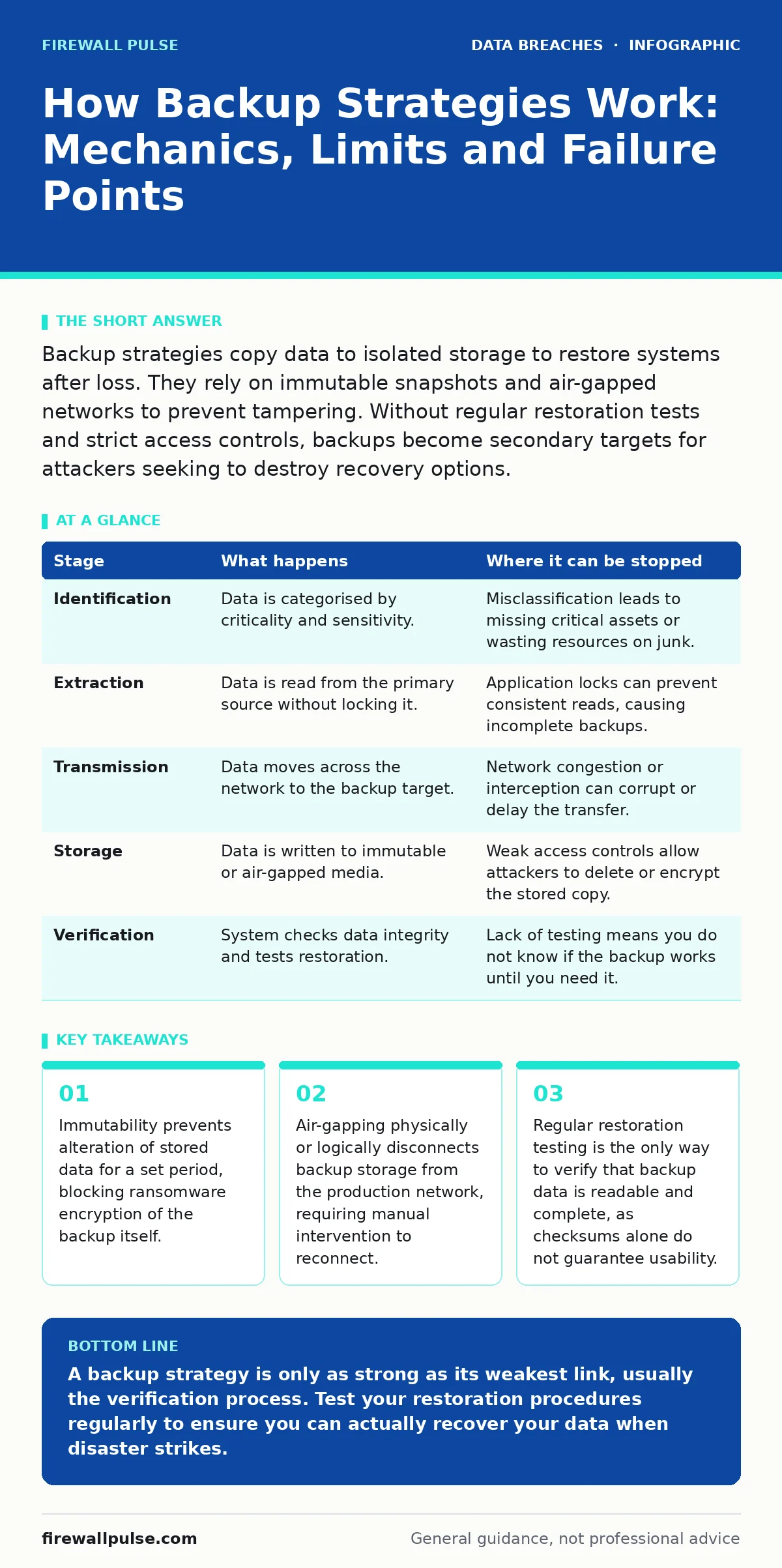
Backup strategies copy data to isolated storage to restore systems after loss. They rely on immutable snapshots and air-gapped networks to prevent tampering. Without regular restoration tests and strict access controls, backups become secondary targets for attackers seeking to destroy recovery options.
The Foundation of Data Resilience
Data loss is inevitable. Hardware fails, humans make errors, and malicious actors target systems constantly. A backup strategy is not merely a copy-paste operation; it is a controlled duplication of information designed to survive the failure of the primary system. You must treat your backup infrastructure as a separate entity with its own security posture. If your primary system is compromised, your backup system must remain untouched.
The core mechanism relies on three pillars: frequency, isolation, and integrity. Frequency determines how much data you lose in a worst-case scenario. Isolation ensures that an attacker cannot reach the backup from the compromised network. Integrity guarantees that the data you retrieve is exactly what you stored, without corruption or malicious modification.
### Stage 1: Identification and Classification
Before any data moves, you must decide what is worth saving. Not all data requires the same level of protection. You classify data based on criticality and regulatory requirements. This step reduces storage costs and focuses security efforts on what matters.
You identify production databases, configuration files, and user-generated content. You exclude temporary files, cached data, and redundant logs. This classification informs the retention policy. High-value data requires more frequent snapshots and longer retention periods. Lower-value data can be backed up less often and deleted sooner.
| Stage | What happens | Where it can be stopped |
|---|---|---|
| Identification | Data is categorised by criticality and sensitivity. | Misclassification leads to missing critical assets or wasting resources on junk. |
| Extraction | Data is read from the primary source without locking it. | Application locks can prevent consistent reads, causing incomplete backups. |
| Transmission | Data moves across the network to the backup target. | Network congestion or interception can corrupt or delay the transfer. |
| Storage | Data is written to immutable or air-gapped media. | Weak access controls allow attackers to delete or encrypt the stored copy. |
| Verification | System checks data integrity and tests restoration. | Lack of testing means you do not know if the backup works until you need it. |
### Stage 2: Extraction and Consistency
The backup agent reads data from the production system. For databases, this is complex. You cannot simply copy files while the database is writing to them. You use volume shadow copies or application-consistent snapshots. These mechanisms capture the state of the data at a precise moment.
If the snapshot fails, the backup is useless. You may end up with a database file that is out of sync with its transaction logs. When you try to restore it, the system will crash. You must ensure the backup agent integrates with your applications. This integration allows the application to quiesce briefly, ensuring all writes are completed before the snapshot is taken.
### Stage 3: Transmission and Encryption
Data travels from the source to the backup repository. This journey exposes it to interception. You must encrypt data in transit using standard protocols. Encryption at rest is equally necessary. If an attacker steals the physical backup drive, they should not be able to read it.
The encryption keys must be managed separately from the data. If you store the keys on the same server as the backup, an attacker who compromises the server gets both. Use a dedicated key management system. Rotate keys regularly. This adds complexity but prevents a single breach from exposing all historical backups.
### Stage 4: Storage and Isolation
This is the most critical stage. You store the backup in an environment that is difficult to reach. Air-gapping means physically disconnecting the storage from the network. Immutable storage means the data cannot be changed or deleted for a set period. Both methods prevent ransomware from encrypting your backups.
Many organisations rely on logical isolation, such as a separate VLAN. This is insufficient. Advanced attackers can move laterally across networks. If your backup server is on the same network, even in a different segment, it is at risk. True isolation requires physical separation or immutable cloud storage with strict write-once-read-many policies.
See also: How to Stop Source Code Leaks Before They Happen · Stop Unauthorized Access: Practical Controls That Actually Work
### Stage 5: Verification and Testing
A backup is not a backup until you have restored it. Checksums verify that the data has not changed, but they do not verify that the data is usable. You must perform regular restoration tests. Restore a subset of data to a isolated environment. Verify that applications can read it.
This testing reveals configuration errors, permission issues, and corruption. It also trains your team on the restoration process. In a crisis, time is critical. If your team has never restored data, they will struggle under pressure. Document the steps. Automate where possible. Test quarterly or after any major system change.
Limits of Backup Strategies
Backups are not a substitute for security. They are a last resort. Relying on backups to recover from breaches encourages complacency. Attackers know this. They target backups specifically to force negotiations or cause maximum disruption.
Backups also have a retention limit. You cannot keep everything forever. Storage costs rise with time. You must balance cost against risk. Older backups may not be compatible with current systems. Testing old backups is often neglected, leading to failure when you need them most.
Integrating with Security Controls
Your backup strategy must align with your broader security framework. Use role-based access control to limit who can manage backups. Only a small number of administrators should have access. Enable multi-factor authentication for all backup management consoles.
Conduct third-party risk assessments for any backup service provider. Ensure they meet your security standards. Review their incident response plans. Do not assume their security is adequate. Verify it.
Consider backup testing as a continuous process. Integrate it into your change management workflow. Every major update should trigger a restoration test. This ensures that new software versions do not break your backup compatibility.
The Human Element
Technology fails, but people make the decisions. You must train staff on the importance of backups. They should understand the difference between a copy and a backup. A copy on a shared drive is not a backup. It is vulnerable to the same threats as the original.
Encourage a culture of verification. When a backup job fails, it must be investigated immediately. Do not ignore warnings. A failed backup today means no recovery tomorrow. Assign ownership. Someone must be responsible for the health of the backup infrastructure.
Conclusion of Mechanics
The mechanism is simple in theory but complex in practice. You identify, extract, transmit, store, and verify. Each stage has failure points. Isolation and immutability are your best defences against malicious tampering. Testing is your only proof of viability.
You cannot promise complete protection. Hardware fails. Software bugs occur. Human error happens. But a well-designed backup strategy minimises the impact. It gives you a path to recovery. Without it, you are flying blind.
Key takeaways
- Immutability prevents alteration of stored data for a set period, blocking ransomware encryption of the backup itself.
- Air-gapping physically or logically disconnects backup storage from the production network, requiring manual intervention to reconnect.
- Regular restoration testing is the only way to verify that backup data is readable and complete, as checksums alone do not guarantee usability.
A backup strategy is only as strong as its weakest link, usually the verification process. Test your restoration procedures regularly to ensure you can actually recover your data when disaster strikes.
Frequently asked questions
How often should I back up my data?
Frequency depends on your tolerance for data loss. Critical systems may require hourly snapshots, while less critical data can be backed up daily. Align frequency with your recovery point objective.
Is cloud backup secure?
Cloud backup can be secure if configured correctly. Use encryption in transit and at rest. Ensure the provider offers immutable storage options. Verify their compliance with relevant security standards.
What is the difference between a copy and a backup?
A copy is a duplicate of data, often on the same system or network. A backup is an isolated, versioned copy stored in a separate environment. Backups are designed to survive the failure of the primary system.
How do I protect backups from ransomware?
Use air-gapped or immutable storage. Limit access to backup systems with strict access controls. Regularly test restoration processes. Monitor for unusual activity on backup servers.
How this guide was produced: written by the Firewall Pulse editorial team with AI assistance, checked against the public references listed below, and reviewed when the facts change. See our editorial policy or report an error.