Attacker Persistence Techniques: How Intruders Stay Hidden
Attackers often hide in plain sight by using legitimate system tools, making their presence indistinguishable from normal administrative activity to standard monitoring.

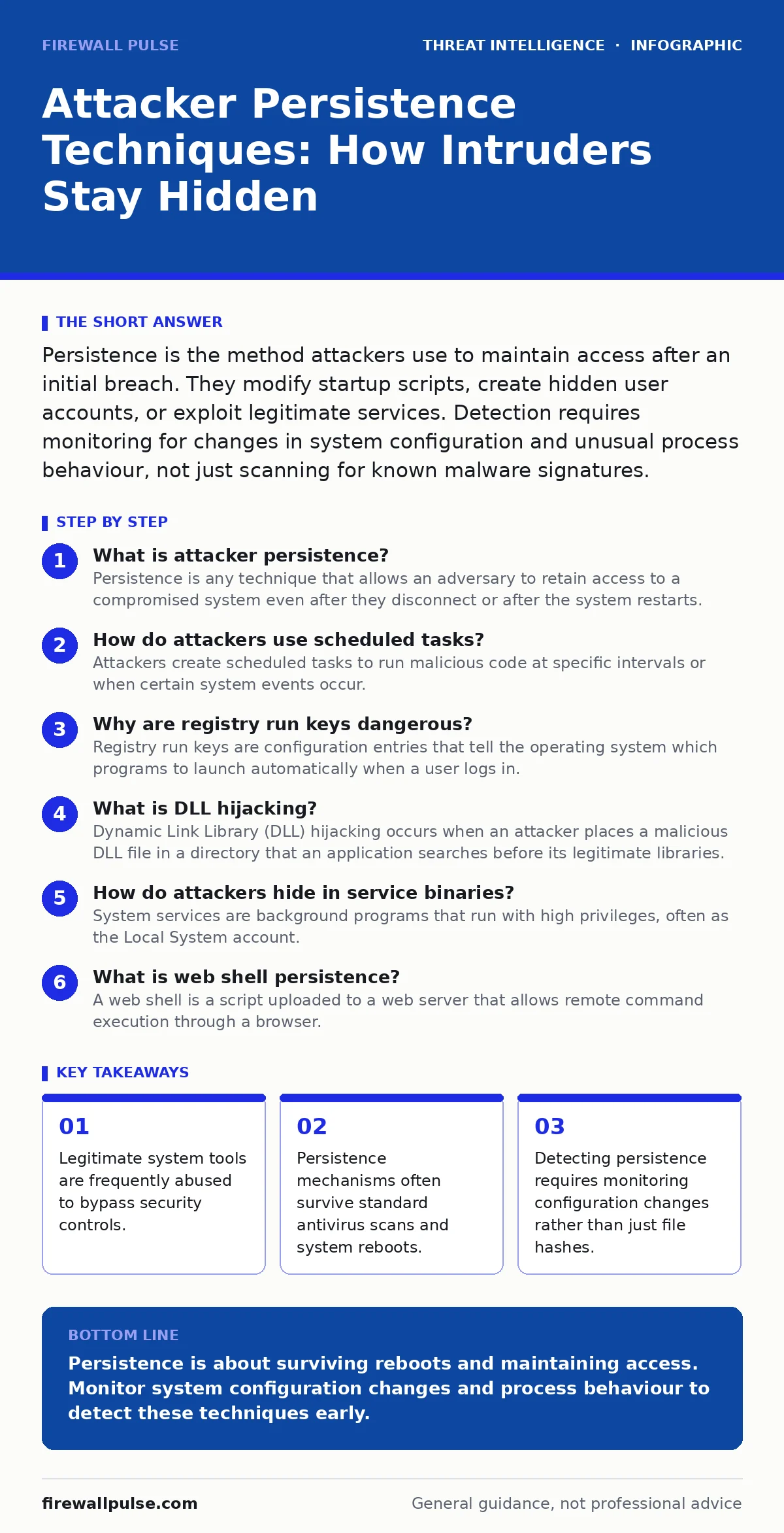
Persistence is the method attackers use to maintain access after an initial breach. They modify startup scripts, create hidden user accounts, or exploit legitimate services. Detection requires monitoring for changes in system configuration and unusual process behaviour, not just scanning for known malware signatures.
What is attacker persistence?
Persistence is any technique that allows an adversary to retain access to a compromised system even after they disconnect or after the system restarts. Without persistence, an attacker must re-exploit the vulnerability every time they wish to return, which increases the risk of detection. By establishing a foothold that survives reboots and session closures, they can operate at their own pace. This phase is distinct from initial access, which focuses on breaking in, whereas persistence focuses on staying in.
How do attackers use scheduled tasks?
Attackers create scheduled tasks to run malicious code at specific intervals or when certain system events occur. These tasks are managed by the operating system’s task scheduler, a legitimate service used for routine maintenance. Because the scheduler is a trusted component, security software often allows its actions by default. An attacker might schedule a reverse shell to execute every hour, ensuring they regain access even if the original connection drops. This method is effective because it mimics legitimate administrative automation.
Why are registry run keys dangerous?
Registry run keys are configuration entries that tell the operating system which programs to launch automatically when a user logs in. Attackers add their own entries to these keys to ensure their malware starts with the user session. This technique is persistent because it survives system reboots and does not require the attacker to maintain an active connection. It is particularly dangerous on Windows systems, where these keys are deeply integrated into the login process. Detecting this requires monitoring for new or modified entries in these specific registry paths.
What is DLL hijacking?
Dynamic Link Library (DLL) hijacking occurs when an attacker places a malicious DLL file in a directory that an application searches before its legitimate libraries. When the application starts, it loads the malicious file instead of the intended one, executing the attacker’s code. This technique exploits the order in which the operating system searches for dependent files. It is a form of living-off-the-land attacks because it uses the existing software infrastructure of the victim. Defending against this requires strict control over file permissions in application directories.
How do attackers hide in service binaries?
System services are background programs that run with high privileges, often as the Local System account. Attackers can create new services or modify existing ones to execute their own code. Because services run continuously and with elevated rights, this provides a stable and powerful foothold. The operating system treats these services as critical components, so they are rarely interrupted by standard user activity. This method is resilient because removing the malware often requires stopping the service, which might disrupt system functionality.
See also: Cyber Espionage Explained: How Silent Theft Works and How to Stop It · Implement Mean Time to Detect: A Step-by-Step Rollout Plan
What is web shell persistence?
A web shell is a script uploaded to a web server that allows remote command execution through a browser. Attackers use this to maintain access without needing direct network connections to the server’s management ports. The web server itself acts as the persistence mechanism, serving the malicious script to anyone who knows the URL. This is particularly dangerous in environments where web content is frequently updated and scanned for malware. It allows attackers to pivot deeper into the network using the web server as a bridge.
How does bootkit persistence work?
Bootkits modify the boot process of a computer to load malicious code before the operating system starts. This allows the malware to reside in memory and hide from security software that runs within the operating system. Because it loads before the security tools, it can disable or spoof their activities. This is one of the most difficult forms of persistence to detect and remove. It often requires booting from external media to scan and clean the system’s master boot record.
| Technique | Persistence Level | Detection Difficulty | Primary Vector |
|---|---|---|---|
| Scheduled Tasks | High | Medium | System Scheduler |
| Registry Run Keys | High | Low | User Login |
| DLL Hijacking | Medium | High | Application Load |
| Web Shells | Medium | Medium | Web Server |
| Bootkits | Very High | Very High | Boot Sector |
Why do attackers use living-off-the-land techniques?
Attackers prefer using legitimate system tools because these are already signed by the operating system vendor and trusted by security software. Tools like PowerShell, WMI, or Python are standard on most systems and are necessary for administration. By using these tools, attackers avoid downloading malicious binaries that might trigger antivirus alerts. This approach aligns with the principles of living-off-the-land attacks, where the adversary relies on the victim’s own infrastructure. It complicates detection because the activity looks like normal administrative work.
How do attackers evade detection with fileless malware?
Fileless malware runs entirely in memory, leaving no executable file on the disk for antivirus software to scan. It often uses scripting languages or legitimate system utilities to execute its payload. Because there is no file to hash or signature, traditional security tools struggle to identify it. This technique requires monitoring process behaviour and memory activity rather than just file integrity. It is a sophisticated form of persistence that demands advanced detection capabilities.
What is the role of persistence in cyber espionage?
In cyber espionage, persistence is the most critical phase because the goal is long-term access to sensitive information. Attackers take their time to establish multiple layers of persistence to ensure they are not locked out. They often use slow and quiet methods to avoid triggering alarms. This patience distinguishes espionage from other types of attacks that seek immediate impact. Understanding this mindset helps in designing detection rules that focus on long-term anomalies rather than short-term bursts.
How does persistence relate to the Unified Kill Chain?
The Unified Kill Chain models the attack lifecycle, with persistence occurring after initial access and execution. It is a bridge between gaining entry and achieving the final objective, such as data exfiltration. Breaking the chain at this stage prevents the attacker from progressing further. Effective detection at this phase requires integrating data from various sources, including endpoints and network traffic. It is not enough to look at one signal; you must correlate events across the environment.
Why is threat intelligence sharing important for persistence detection?
Sharing indicators of compromise helps organisations detect new persistence techniques before they are widely adopted. When one team identifies a novel method, sharing that intelligence allows others to update their detection rules. This collective defence reduces the window of opportunity for attackers. However, sharing must be done securely to avoid leaking sensitive information about your own infrastructure. It is a key component of a mature security programme.
How do you detect hidden user accounts?
Attackers often create hidden user accounts to maintain access without being noticed in standard user lists. These accounts may have special characters in their names or be disabled in ways that make them invisible to casual inspection. Detection requires querying the system for all accounts, including hidden ones, and comparing them against a baseline. Any account that was not created by an administrator should be investigated. This is a simple but effective way to find a common persistence mechanism.
Key takeaways
- Legitimate system tools are frequently abused to bypass security controls.
- Persistence mechanisms often survive standard antivirus scans and system reboots.
- Detecting persistence requires monitoring configuration changes rather than just file hashes.
Persistence is about surviving reboots and maintaining access. Monitor system configuration changes and process behaviour to detect these techniques early.
Frequently asked questions
Can antivirus software detect all persistence techniques?
No, traditional antivirus relies on known signatures and often misses fileless or living-off-the-land techniques that use legitimate system tools.
How often should I review scheduled tasks?
You should review scheduled tasks regularly, ideally as part of your daily security operations, to identify any new or modified entries.
Is removing a persistent attacker easy?
It can be difficult, especially if the attacker has established multiple layers of persistence or modified system files. A full system rebuild is often the safest option.
What is the difference between persistence and lateral movement?
Persistence is about staying in one compromised system, while lateral movement is about spreading from that system to others within the network.
How this guide was produced: written by the Firewall Pulse editorial team with AI assistance, checked against the public references listed below, and reviewed when the facts change. See our editorial policy or report an error.