Detect Exposed .git Directories: Signs, Logs and Blind Spots
Publicly accessible version control directories reveal entire source code histories, allowing attackers to reconstruct application logic without exploiting runtime vulnerabilities.

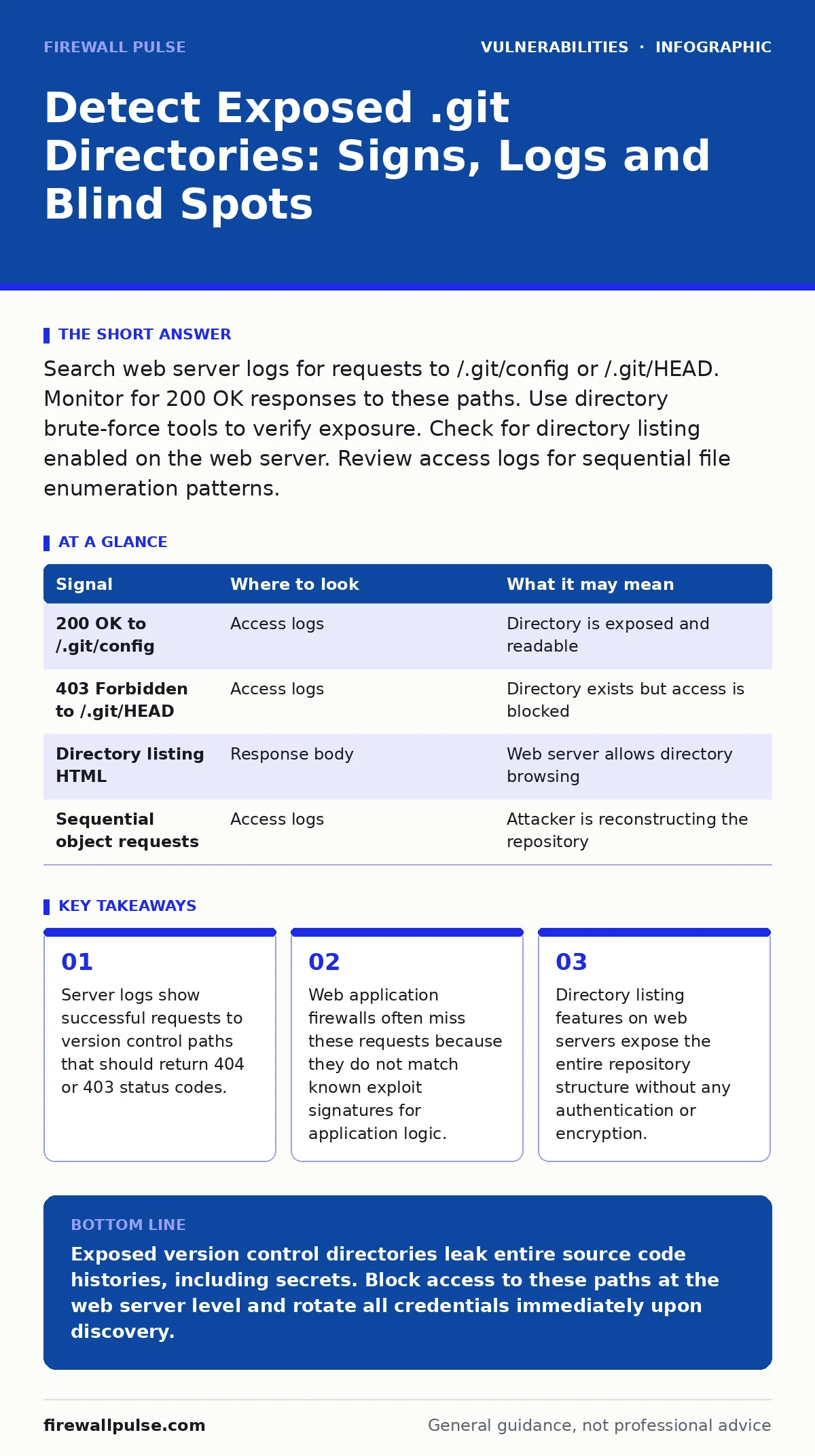
Search web server logs for requests to /.git/config or /.git/HEAD. Monitor for 200 OK responses to these paths. Use directory brute-force tools to verify exposure. Check for directory listing enabled on the web server. Review access logs for sequential file enumeration patterns.
Server Access Logs Reveal Enumeration Attempts
Web server access logs provide the first line of evidence when attackers probe for exposed version control systems. You must look for requests targeting specific paths within the .git directory structure. Common targets include /.git/config, /.git/HEAD, and /.git/objects/. These files contain metadata about the repository and pointers to the actual source code objects. A successful request returns a 200 OK status code, indicating the server served the file. A 404 Not Found or 403 Forbidden response suggests the directory is protected or missing.
Attackers often send these requests in rapid succession. This pattern appears as a cluster of hits from a single IP address within seconds. The user agent string may be generic or mimic a standard browser to avoid simple filtering. You should correlate these requests with the source IP address to identify active scanning tools. Legitimate users rarely request these specific internal configuration files. If your application does not use version control, any request to these paths is anomalous and warrants immediate investigation.
Response Headers and Status Codes Matter
The HTTP response status code tells you whether the directory is exposed. A 200 OK response means the file exists and the server allows access. This is the critical indicator of a vulnerability. A 403 Forbidden response means the file exists but access is denied. This is a secure state. A 404 Not Found response means the file does not exist or the path is masked. This is also secure.
Some web servers return a 200 OK response for directory listings even if the directory is empty. This can create false positives. You must inspect the response body to confirm it contains file names or content. If the body is empty or contains an error page, the directory is likely not exposed. Check the Content-Type header. A value of text/plain or application/octet-stream for config files is normal. Unexpected content types may indicate a proxy or cache is interfering with the response.
| Signal | Where to look | What it may mean |
|---|---|---|
| 200 OK to /.git/config | Access logs | Directory is exposed and readable |
| 403 Forbidden to /.git/HEAD | Access logs | Directory exists but access is blocked |
| Directory listing HTML | Response body | Web server allows directory browsing |
| Sequential object requests | Access logs | Attacker is reconstructing the repository |
Web Application Firewall Bypasses
Web application firewalls often fail to block access to .git directories. These tools rely on signature-based detection for known attacks like cross-site scripting (XSS) or SQL injection. Accessing a static file does not match these signatures. The request looks like a normal GET request for a resource. The firewall sees no malicious payload in the URL or headers. It allows the traffic to pass through to the backend server.
You must configure the firewall to explicitly block requests to paths starting with .git. This rule should apply to all virtual hosts and subdomains. Do not rely on default rulesets. Many commercial firewalls do not include this rule by default. You should also block requests to .svn, .hg, and other version control directories. Attackers will try multiple paths if the first one is blocked. This is a common blind spot in security posture assessments.
Reconnaissance Tools and Automation
Security teams use automated tools to detect exposed version control directories. These tools send requests to a list of common paths and analyse the responses. They look for 200 OK status codes and specific content patterns. Some tools attempt to reconstruct the entire repository by downloading all objects. This process generates a large volume of requests. You can detect this activity by monitoring for high request rates from a single IP address.
Manual verification is still necessary. Automated tools may produce false positives if the server returns a generic error page with a 200 status code. You should manually inspect the response body to confirm it contains version control data. Do not rely solely on automated scans. Human review ensures accuracy and helps identify subtle misconfigurations. Regular scanning should be part of your vulnerability management process.
Source Code and Configuration Audits
You must review your application configuration to ensure .git directories are not served by the web server. This usually involves checking the web server configuration files. For Apache, check the Directory directives. For Nginx, check the location blocks. Ensure that requests to paths starting with a dot are denied or redirected. This prevents accidental exposure due to misconfigured aliases or symlinks.
Application frameworks may have their own static file serving mechanisms. Check the framework configuration to ensure it does not serve files from the .git directory. Some frameworks allow serving static assets from the root directory. If the .git directory is in the root, it may be exposed. Move the repository outside the web root directory. This is the most effective way to prevent exposure. It ensures the web server cannot access the version control data even if misconfigured.
Common Blind Spots in Detection
Many teams miss exposed .git directories due to blind spots in their monitoring. One blind spot is subdomains. Attackers often target staging, development, or internal subdomains that are less protected. These environments may have relaxed security policies. You must monitor all subdomains, not just the primary domain. Another blind spot is API endpoints. Some APIs expose version control metadata in their responses. You should audit API responses for sensitive information.
Incident Response and Remediation
If you detect an exposed .git directory, you must act immediately. The attacker may have already downloaded the entire source code. This includes credentials, API keys, and database passwords. You must assume all secrets are compromised. Rotate all credentials and API keys. Revoke any tokens that may have been exposed. Review the source code for hardcoded secrets. Remove them and use a secure secret management system.
Block the attacker's IP address at the firewall. Review access logs to determine what files were accessed. This helps you assess the scope of the compromise. You may need to rebuild the application from a clean source. Do not simply remove the .git directory. The attacker may have already cached the data. You must verify that no other copies of the source code are accessible. This incident highlights the importance of configuration hardening in your deployment process.
Preventing Future Exposures
Prevention requires a combination of technical controls and process changes. Use configuration management tools to enforce secure web server settings. This ensures consistency across all environments. Implement automated scanning for exposed version control directories. Run these scans regularly and before each deployment. Include this check in your continuous integration pipeline. This catches misconfigurations early in the development cycle.
Train developers to exclude .git directories from deployment packages. Many deployment tools allow you to specify which files to include. Ensure .git is excluded by default. Review application architecture to ensure the web root does not contain sensitive files. Separate source code from deployed assets. This reduces the attack surface and prevents accidental exposure. Regular audits of your deployment process help identify gaps.
Key takeaways
- Server logs show successful requests to version control paths that should return 404 or 403 status codes.
- Web application firewalls often miss these requests because they do not match known exploit signatures for application logic.
- Directory listing features on web servers expose the entire repository structure without any authentication or encryption.
Exposed version control directories leak entire source code histories, including secrets. Block access to these paths at the web server level and rotate all credentials immediately upon discovery.
Frequently asked questions
Can a web application firewall block .git directory access?
Only if explicitly configured to do so. Default rulesets rarely include this check. You must add custom rules to block requests to paths containing .git.
Why do attackers target .git directories?
They provide full access to source code history, revealing logic, credentials, and database schemas without needing to exploit runtime vulnerabilities.
Is deleting the .git directory enough after exposure?
No. Attackers may have already cached the data. You must rotate all secrets, audit the code for hardcoded credentials, and verify no other copies exist.
How often should you scan for exposed version control directories?
Every deployment and regularly as part of routine vulnerability scanning. Misconfigurations can occur at any time due to human error or changes.
How this guide was produced: written by the Firewall Pulse editorial team with AI assistance, checked against the public references listed below, and reviewed when the facts change. See our editorial policy or report an error.