Chrome Zero-Day Vulnerabilities: Detection, Exploitation and Mitigation
Zero-day exploits in Chrome often bypass standard signature scanning because they abuse legitimate browser mechanisms rather than injecting known malicious code patterns.

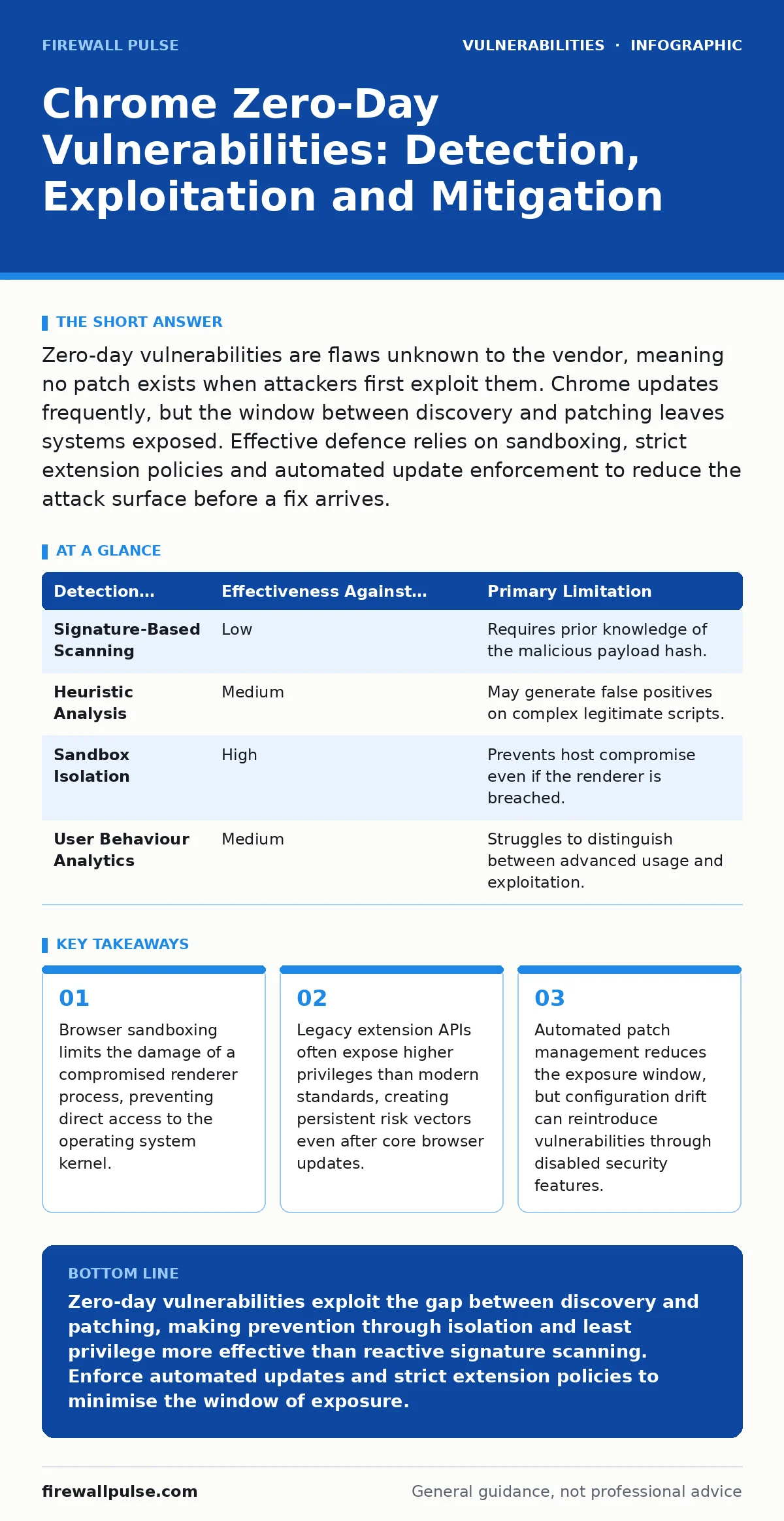
Zero-day vulnerabilities are flaws unknown to the vendor, meaning no patch exists when attackers first exploit them. Chrome updates frequently, but the window between discovery and patching leaves systems exposed. Effective defence relies on sandboxing, strict extension policies and automated update enforcement to reduce the attack surface before a fix arrives.
What defines a Chrome zero-day vulnerability
A zero-day vulnerability is a software flaw that remains unknown to the vendor and the public at the time of exploitation. Attackers discover these weaknesses through reverse engineering or fuzzing before the developer can issue a corrective patch. The term zero-day refers to the number of days the vendor has known about the issue when the exploit first appears in the wild. This asymmetry gives attackers a temporary advantage, as defenders cannot rely on signature-based detection for the initial wave of attacks. Understanding this dynamic is critical for prioritising remediation efforts.
How do attackers exploit Chrome zero-days
Attackers typically exploit these flaws by crafting malicious web pages or documents that trigger unexpected behaviour in the browser engine. A common technique involves triggering use-after-free vulnerabilities, where the code accesses memory that has already been freed by another process. This allows the attacker to overwrite critical memory structures and redirect the flow of execution. They may also exploit logic errors in the JavaScript engine or CSS parser. The goal is usually to achieve arbitrary code execution within the browser’s sandbox, from which they attempt to escalate privileges to the host operating system.
Why are signatures ineffective against zero-days
Signature-based detection fails because it relies on matching known patterns of malicious code against network traffic or file hashes. A zero-day exploit contains code that has never been seen by the security vendor, so it lacks a signature in the threat intelligence database. The exploit often looks like legitimate browser traffic, such as standard HTTPS requests or JavaScript execution. Relying solely on antivirus definitions leaves a gap during the critical window between the exploit’s creation and the vendor’s release of a detection rule. Behavioural analysis and anomaly detection provide better coverage for these unknown threats.
| Detection Method | Effectiveness Against Zero-Days | Primary Limitation |
|---|---|---|
| Signature-Based Scanning | Low | Requires prior knowledge of the malicious payload hash. |
| Heuristic Analysis | Medium | May generate false positives on complex legitimate scripts. |
| Sandbox Isolation | High | Prevents host compromise even if the renderer is breached. |
| User Behaviour Analytics | Medium | Struggles to distinguish between advanced usage and exploitation. |
What is the role of browser sandboxing
Sandboxing creates a restricted environment for the browser’s renderer processes, isolating them from the host operating system. When a zero-day exploit succeeds in the renderer, the sandbox limits the damage by denying access to sensitive files, the network stack and other system processes. The browser uses a multi-process architecture where each tab runs in its own process. If one process crashes or is compromised, the browser can terminate it without affecting the entire application. This containment strategy is the primary defence-in-depth measure against browser-based attacks. However, a successful sandbox escape allows the attacker to bypass these restrictions entirely.
How do extensions increase the attack surface
Browser extensions often require elevated permissions to function, granting them access to DOM manipulation, network requests and user data. If an extension contains a vulnerability, it can serve as a bridge between the sandboxed renderer and the host system. Legacy extensions may use deprecated APIs that lack modern security controls, making them easier to exploit. Even if the core browser is patched, a vulnerable extension can reintroduce risk. Security teams must treat extensions as software components that require the same rigorous vetting as any other application. Auditing extension permissions and removing unused add-ons reduces the likelihood of a successful exploit chain.
See also: How to Stop Adware: Practical Steps to Remove and Prevent Intrusive Software · How to Prevent Computer Viruses: The Hierarchy of Controls
Why is rapid patching difficult to enforce
Deploying patches quickly across an organisation faces logistical and technical hurdles. IT teams must balance security updates with stability, ensuring that new versions do not break enterprise applications or internal tools. Some organisations use internal update servers that delay the rollout of the latest security fixes. Additionally, users may ignore update notifications or lack the permissions to install them immediately. This delay extends the exposure window, giving attackers more time to target unpatched systems. Automated update mechanisms and centralised policy management help minimise this lag, but they require careful configuration to avoid disrupting business operations.
How does least privilege access help
Applying the principle of least privilege access ensures that browser processes and user accounts operate with only the minimum permissions necessary. If a browser runs with administrative rights, a successful exploit grants the attacker full control over the system. Running the browser as a standard user limits the ability to install malware, modify system settings or access other users’ data. Network segmentation further restricts lateral movement, preventing an attacker from pivoting from a compromised workstation to critical servers. This approach does not prevent the initial exploit but significantly reduces the impact and scope of the breach.
What is the value of vulnerability disclosure policies
A formal vulnerability disclosure policy encourages researchers to report flaws responsibly rather than exploiting them or selling them on the black market. Chrome’s policy offers rewards for high-severity bugs, incentivising early disclosure to the vendor. This allows the team to develop and distribute patches before the vulnerability becomes widely known. Organisations should also maintain their own disclosure channels to catch issues in their internal applications that integrate with the browser. Without a clear path for reporting, researchers may resort to public disclosure, forcing the vendor to rush a fix or leaving users exposed until a patch is inevitably released.
Can monitoring detect exploitation attempts
Advanced monitoring tools can detect the behavioural indicators of a zero-day exploit, even without a specific signature. Look for anomalies such as unusual memory allocation patterns, unexpected process spawning or rapid changes in CPU usage. Endpoint detection and response systems can capture these events and trigger alerts for investigation. However, modern exploits are designed to mimic legitimate activity, making detection challenging. Combining behavioural monitoring with strict application whitelisting helps identify deviations from normal operation. This layered approach increases the chance of catching an exploit in progress before it achieves full control.
Key takeaways
- Browser sandboxing limits the damage of a compromised renderer process, preventing direct access to the operating system kernel.
- Legacy extension APIs often expose higher privileges than modern standards, creating persistent risk vectors even after core browser updates.
- Automated patch management reduces the exposure window, but configuration drift can reintroduce vulnerabilities through disabled security features.
Zero-day vulnerabilities exploit the gap between discovery and patching, making prevention through isolation and least privilege more effective than reactive signature scanning. Enforce automated updates and strict extension policies to minimise the window of exposure.
Frequently asked questions
How long does it take for Chrome to patch a zero-day?
Chrome typically releases patches within days of a critical vulnerability being reported, often on a weekly or monthly cycle depending on severity.
Are all Chrome zero-days equally dangerous?
No, severity varies based on exploitation complexity and the ability to escape the sandbox. Remote code execution flaws are generally more critical than local privilege escalation issues.
Does using Incognito mode prevent zero-day exploits?
No, Incognito mode only prevents local storage of browsing history and cookies; it does not provide additional protection against code execution or memory corruption.
Should I disable JavaScript to avoid exploits?
Disabling JavaScript breaks most modern websites and is not a practical defence. Instead, rely on sandboxing and regular updates, as attackers can still exploit non-JavaScript components.
How this guide was produced: written by the Firewall Pulse editorial team with AI assistance, checked against the public references listed below, and reviewed when the facts change. See our editorial policy or report an error.