Zero-Click Exploits Explained: How Attacks Work Without Your Input
Zero-click exploits bypass user interaction entirely, compromising devices through background processing of standard data packets without any visible prompt.
A zero-click exploit compromises a device without requiring you to click anything. It works by exploiting bugs in software that automatically processes data in the background. Understanding these attacks helps you prioritise passive defences like strict patching and network segmentation over user behaviour training.
The Unlocked Door Analogy
Imagine receiving a letter. A standard phishing attack is like a letter containing a fake invoice that asks you to call a number. You must choose to pick up the phone. A zero-click exploit is different. It is like a letter that, merely by being placed on your desk, triggers a hidden mechanism that unlocks your front door. You did not open the letter. You did not touch the lock. The act of receiving the item caused the compromise. This analogy highlights the core danger: your awareness and caution are irrelevant because the trigger is passive.
Defining the Mechanism
A zero-click exploit is a software vulnerability that allows an attacker to execute code on your device without any user interaction. The term "zero-click" refers to the number of clicks required. Zero. The attack succeeds when the operating system or an application processes a specially crafted file or data stream. This processing happens automatically. The software reads the data to display it, store it, or route it. During this read operation, the malicious data triggers a buffer overflow or logic error. The error allows the attacker to run their own instructions.
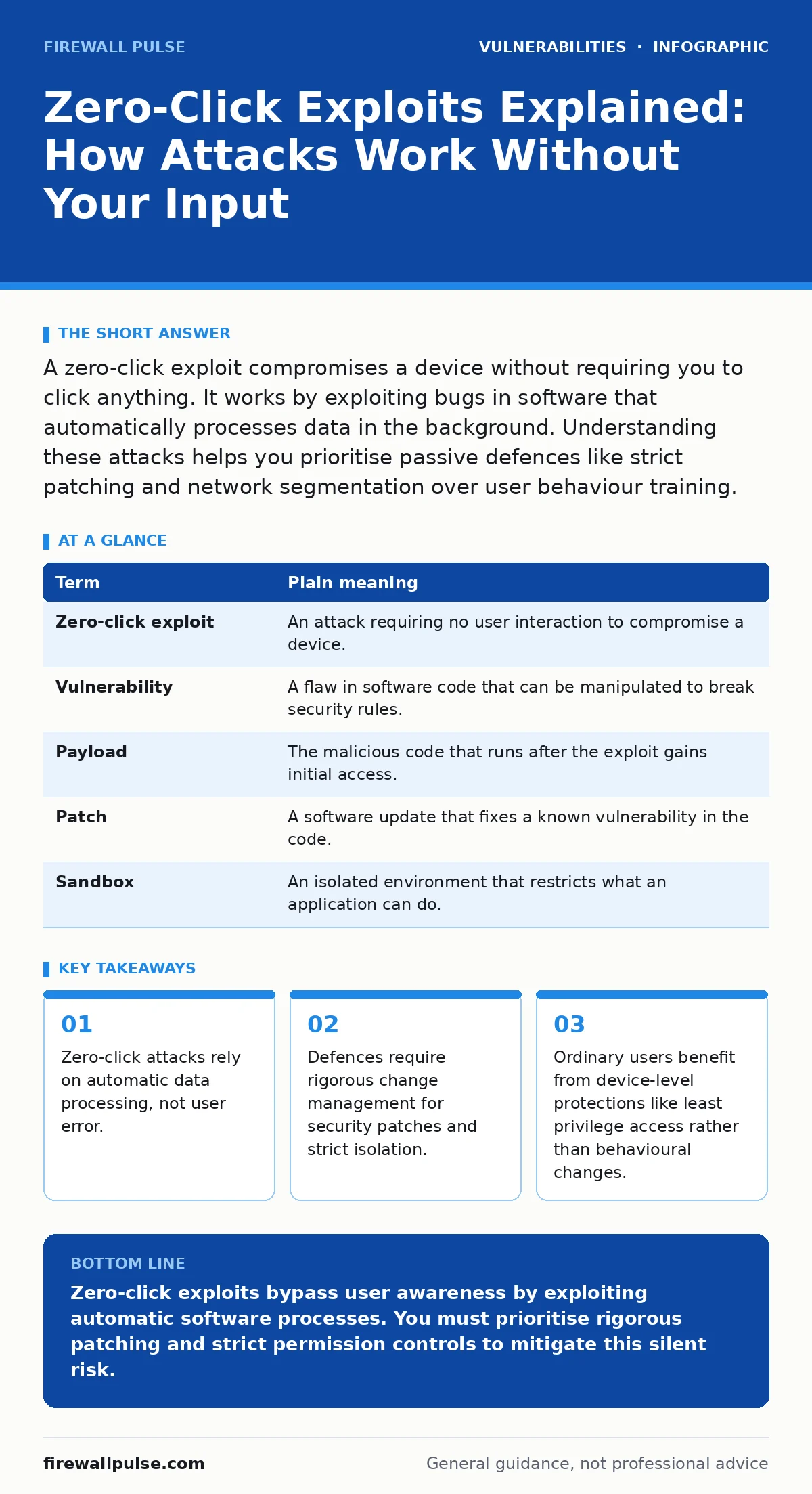
| Term | Plain meaning |
|---|---|
| Zero-click exploit | An attack requiring no user interaction to compromise a device. |
| Vulnerability | A flaw in software code that can be manipulated to break security rules. |
| Payload | The malicious code that runs after the exploit gains initial access. |
| Patch | A software update that fixes a known vulnerability in the code. |
| Sandbox | An isolated environment that restricts what an application can do. |
Why Ordinary Users Are Targets
You might assume zero-click exploits only target high-value individuals. This is incorrect. The underlying vulnerabilities exist in common software components. These components handle images, messages, or network packets. The attack does not care who you are. It cares that your device is running vulnerable software. The consequence for an ordinary user is silent compromise. Your device may slow down. It may drain battery. Or it may sit dormant until the attacker decides to use it. You will not see a warning. You will not see a prompt. This silence makes detection difficult. It shifts the responsibility entirely to the software vendor and the system configuration.
The Hidden Cost of Convenience
Modern devices are designed to be seamless. They auto-download messages. They auto-preview images. They auto-sync contacts. This convenience creates the attack surface. Every automatic action is a potential entry point. Suppose your messaging app automatically decodes a received image to show a thumbnail. If the decoder has a flaw, the attack succeeds during thumbnail generation. You never opened the chat. You never viewed the full image. The cost of this design choice is security. You trade safety for speed. This trade-off is built into the product. You cannot opt out of the automatic processing without breaking the feature entirely.
Passive Defences for Active Threats
You cannot stop a zero-click exploit by thinking twice. You must stop it by reducing the attack surface. The most effective defence is timely software updates. However, many organisations suffer from poor change management for security patches. They delay updates to avoid disruption. This delay leaves systems exposed to n-day vulnerabilities. These are flaws for which a fix already exists but has not been applied. The window between patch release and deployment is where zero-click attacks thrive. You must prioritise patching for internet-facing services and core operating systems.
Another defence is least privilege access. Applications should only have the permissions they strictly need. If a messaging app does not need access to your microphone, it should not have it. If the app is compromised, the attacker cannot use the microphone. This limits the damage. It does not prevent the initial breach. It prevents the breach from becoming a total loss of control. This approach adds complexity to system administration. It requires careful configuration. But it is necessary for modern threats.
See also: Chrome Zero-Day Vulnerabilities: Detection, Exploitation and Mitigation
Network Segmentation as a Barrier
Zero-click attacks often start with a single compromised device. The attacker then moves laterally to other systems. Network segmentation breaks this path. It divides your network into smaller zones. If one zone is compromised, the attacker cannot easily reach the others. This is particularly important for critical infrastructure. Imagine your home network. Your smart lights should not have direct access to your computer containing financial data. If the light bulb is hacked, the attacker cannot reach your files. This isolation requires planning. It requires defining clear boundaries. It reduces the blast radius of any single failure.
What You Can Do Today
You cannot inspect every data packet. You can control your environment. Focus on reducing the number of active services. Focus on restricting permissions. Focus on keeping software current. These steps are boring. They are not glamorous. But they are the only effective defences against passive attacks. Behavioural changes do not work here. Technical controls do.
- Enable automatic updates for your operating system and critical applications.
- Review application permissions and revoke access that is not essential for function.
- Use a firewall to block unnecessary inbound connections to your devices.
The risk of zero-click exploits is real. It is growing. The sophistication of attackers is increasing. The cost of defence is time and effort. You must invest both. Do not rely on the assumption that you are not a target. The software does not discriminate. The code does not care. Your security depends on your configuration.
Key takeaways
- Zero-click attacks rely on automatic data processing, not user error.
- Defences require rigorous change management for security patches and strict isolation.
- Ordinary users benefit from device-level protections like least privilege access rather than behavioural changes.
Zero-click exploits bypass user awareness by exploiting automatic software processes. You must prioritise rigorous patching and strict permission controls to mitigate this silent risk.
Frequently asked questions
Can antivirus software detect zero-click exploits?
Antivirus software may detect the payload if it is known. It often fails to detect the initial exploit because the code is custom and new. Behavioural monitoring is more effective than signature scanning for these attacks.
Does using a VPN prevent zero-click attacks?
A VPN encrypts traffic but does not stop the exploit from executing on your device. Once the data reaches your application, the VPN is irrelevant. Vulnerabilities in VPN appliances can also be targeted directly.
Are mobile phones safer than computers?
Mobile phones are frequent targets for zero-click exploits. They run complex operating systems with many automatic processes. The sandboxed nature of apps helps, but flaws in the OS or system services still allow compromise.
How do zero-click exploits differ from phishing?
Phishing requires you to click a link or open an attachment. Zero-click exploits work without any interaction. Phishing targets human error. Zero-click exploits target software flaws. Both result in compromise, but the trigger is different.
How this guide was produced: written by the Firewall Pulse editorial team with AI assistance, checked against the public references listed below, and reviewed when the facts change. See our editorial policy or report an error.