Are browser extensions safe? Verify permissions and code sources
Browser extensions run with elevated privileges inside your browser, allowing them to read every page you visit and intercept network traffic before encryption occurs.

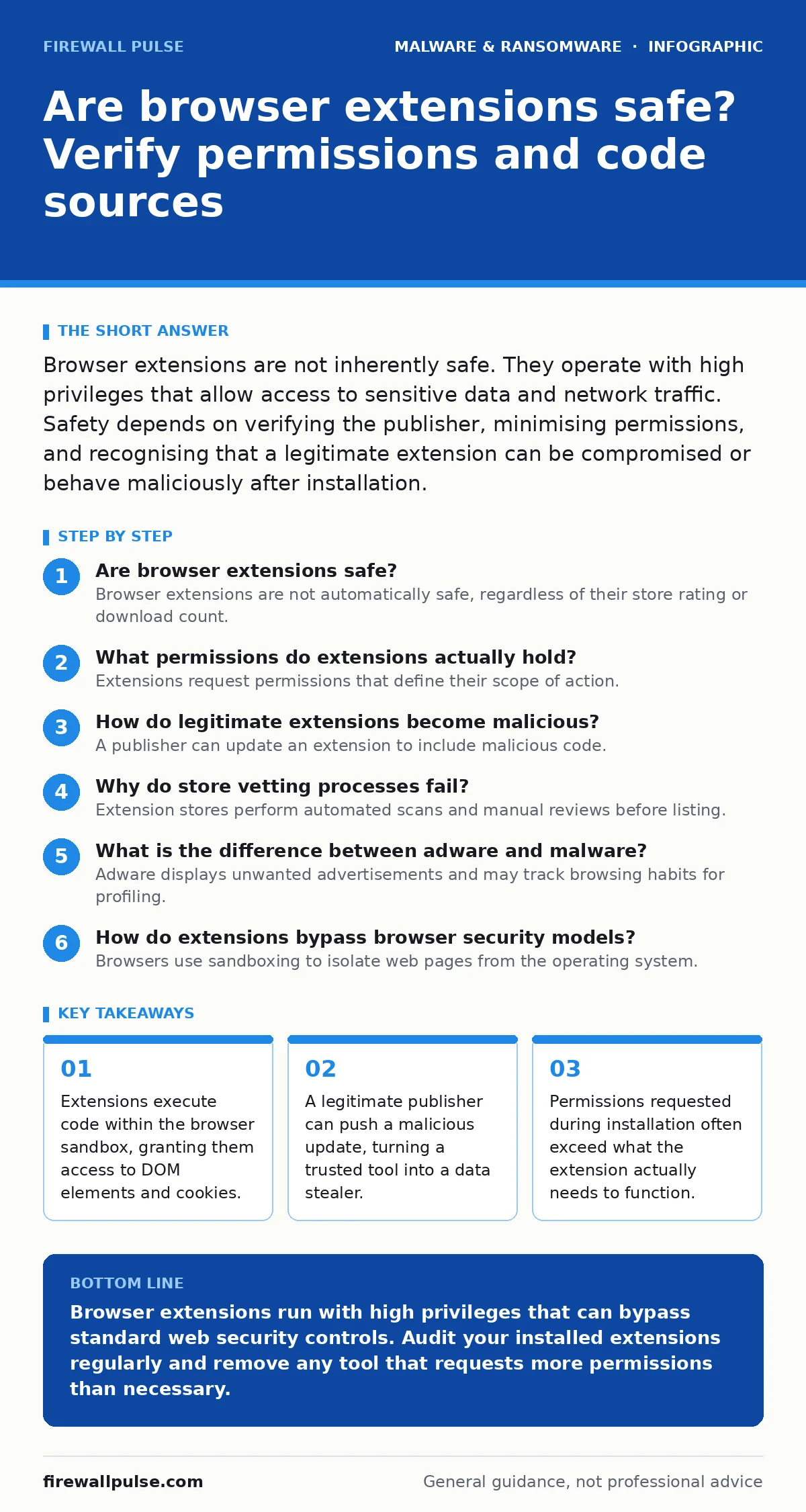
Browser extensions are not inherently safe. They operate with high privileges that allow access to sensitive data and network traffic. Safety depends on verifying the publisher, minimising permissions, and recognising that a legitimate extension can be compromised or behave maliciously after installation.
Are browser extensions safe?
Browser extensions are not automatically safe, regardless of their store rating or download count. You install software directly into your browsing environment, granting it access to your active sessions. This access includes reading cookies, modifying page content, and intercepting network requests. The browser treats the extension as a trusted entity, often bypassing standard security controls like same-origin policies. You must assume every extension has the potential to compromise your session unless you verify its source and behaviour.
What permissions do extensions actually hold?
Extensions request permissions that define their scope of action. Common permissions include access to tabs, browsing history, and specific websites. Dangerous permissions include "Access your data for all websites" or "Read and change all your data on websites". These allow the extension to see every keystroke and every API response. Many extensions request broad permissions to enable future features, even if the current version does not use them. You cannot revoke granular permissions for individual sites once granted broadly.
| Permission Type | Risk Level | Typical Use Case | Hidden Capability |
|---|---|---|---|
| Active Tab Access | Low | Modify current page UI | Read form inputs on active page |
| All Site Data | High | Ad blocking, security | Intercept all HTTP/HTTPS traffic |
| Cookies Access | Critical | Session management | Hijack authenticated sessions |
| Notifications | Medium | Alert user to events | Display phishing prompts |
How do legitimate extensions become malicious?
A publisher can update an extension to include malicious code. The browser stores the developer’s identity and trusts subsequent updates from that same source. If a developer’s account is compromised, attackers can push a backdoor through the official update channel. If a developer decides to monetise their user base aggressively, they may inject adware or crypto-miners. The extension retains its high ratings and user count, masking the change. This is a supply chain attack vector unique to software ecosystems with automatic updates.
Why do store vetting processes fail?
Extension stores perform automated scans and manual reviews before listing. These checks look for known malware signatures and obvious policy violations. They do not perform deep code analysis for every update. Automated systems struggle to identify logic flaws or subtle data exfiltration techniques. A malicious extension can mimic legitimate functionality while hiding exfiltration in obfuscated code. The store environment is a marketplace, not a security laboratory. Approval indicates the extension meets listing guidelines, not that it is secure.
What is the difference between adware and malware?
Adware displays unwanted advertisements and may track browsing habits for profiling. Malware steals credentials, installs keyloggers, or creates persistent backdoors. The line is often blurred. An extension may start as harmless adware but receive an update that installs stalkerware components. It may begin injecting ads and later escalate to session hijacking. Both types degrade performance and privacy. Adware is often a precursor to more severe threats. You should treat any unrequested modification to your browser’s behaviour as a security incident.
See also: Stop SEO Poisoning: A Technical Prevention Checklist for Web Defenders · Logic Bomb Prevention Checklist for Secure Code
How do extensions bypass browser security models?
Browsers use sandboxing to isolate web pages from the operating system. Extensions run outside this strict isolation. They have access to the browser’s internal APIs. This allows them to bypass Cross-Origin Resource Sharing (CORS) restrictions. An extension can read responses from banking sites even if the web page cannot. It can modify the Document Object Model (DOM) to inject fake login forms. This capability is necessary for legitimate tools like password managers but is dangerous if misused. The browser cannot distinguish between a helpful modification and a phishing overlay.
Can extensions leak data to third parties?
Extensions often communicate with external servers for updates, analytics, or cloud sync. This traffic leaves the browser environment. If the extension developer shares data with partners, your browsing history and inputs are exposed. Some extensions collect data for advertising purposes, similar to how adware operates. You cannot see this traffic in standard browser developer tools if it is encrypted within the extension’s bundle. The extension manifest file declares hosted apps and content scripts, but it does not detail what data is sent to remote servers.
What signs indicate a compromised extension?
Look for sudden changes in browser performance or unexpected pop-ups. Check if the extension’s functionality has changed without a clear reason. Verify the last update date against the release notes. If the extension requests new permissions, investigate why. Sudden permission requests are a strong indicator of scope creep or compromise. Compare the extension’s behaviour against its documented purpose. If a grammar checker starts accessing your banking sites, it is behaving outside its expected scope. This deviation warrants immediate removal.
How do you audit installed extensions?
Review your installed extensions monthly. Remove any tool you do not recognise or use. Check the developer’s website for security policies. Look for open-source repositories where you can inspect the code. Prefer extensions with a long history and transparent development practices. Disable extensions that require broad permissions if lighter alternatives exist. Check for extensions that claim to be from well-known brands but are published by unknown entities. Impersonation is a common tactic to gain trust.
What happens when you remove a malicious extension?
Removing the extension stops its active code execution. It does not reverse any data theft that has already occurred. You must change passwords for any site accessed while the extension was active. Clear your browser cache and cookies to remove any session tokens the extension may have cached. Check for any additional extensions installed by the malware as a persistence mechanism. Monitor your accounts for unauthorised activity. Removal is the first step, but remediation requires assuming the session was compromised.
Key takeaways
- Extensions execute code within the browser sandbox, granting them access to DOM elements and cookies.
- A legitimate publisher can push a malicious update, turning a trusted tool into a data stealer.
- Permissions requested during installation often exceed what the extension actually needs to function.
Browser extensions run with high privileges that can bypass standard web security controls. Audit your installed extensions regularly and remove any tool that requests more permissions than necessary.
Frequently asked questions
Do browser extensions slow down my computer?
Yes, extensions consume memory and CPU resources. Background scripts run continuously, which can degrade performance on older hardware or when many extensions are active simultaneously.
Can a browser extension steal my password?
Yes, if the extension has permission to access your site data or active tabs. It can read input fields and capture credentials as you type them, regardless of the website’s own security.
Are open-source browser extensions safer?
Open-source extensions allow community review, which can identify vulnerabilities faster. However, the code is also visible to attackers who can find weaknesses to exploit. Safety depends on active maintenance and review.
How do browser hijackers use extensions?
Browser hijackers often disguise themselves as useful extensions. Once installed, they modify your homepage, default search engine, and new tab page to redirect traffic to ad-heavy or malicious sites.
How this guide was produced: written by the Firewall Pulse editorial team with AI assistance, checked against the public references listed below, and reviewed when the facts change. See our editorial policy or report an error.