Stop SEO Poisoning: A Technical Prevention Checklist for Web Defenders
Search engine optimisation poisoning redirects users to malicious sites by exploiting trust in search rankings, requiring technical controls beyond basic content audits.

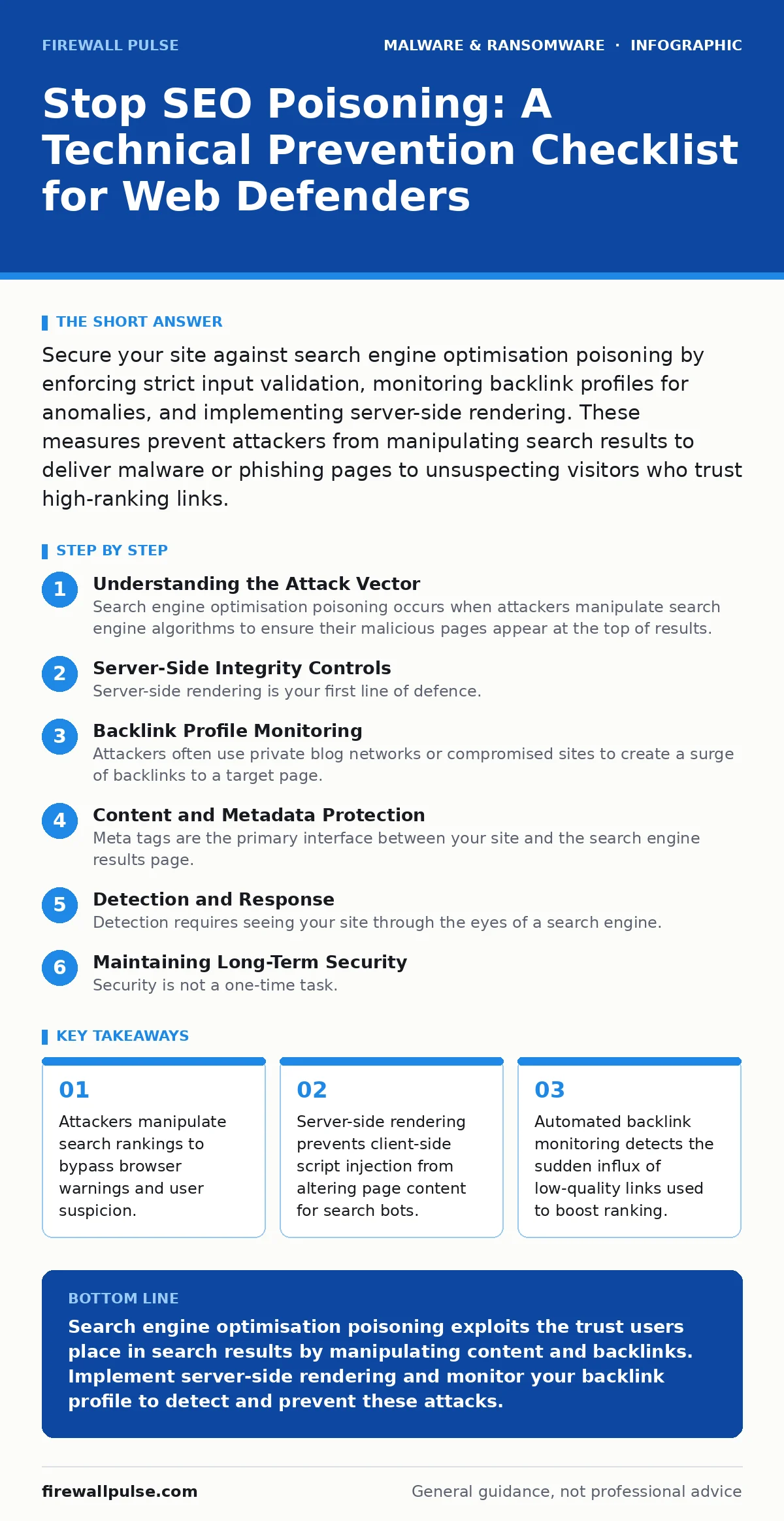
Secure your site against search engine optimisation poisoning by enforcing strict input validation, monitoring backlink profiles for anomalies, and implementing server-side rendering. These measures prevent attackers from manipulating search results to deliver malware or phishing pages to unsuspecting visitors who trust high-ranking links.
Understanding the Attack Vector
Search engine optimisation poisoning occurs when attackers manipulate search engine algorithms to ensure their malicious pages appear at the top of results. This is not merely about gaining visibility. The goal is to exploit the implicit trust users place in search engines. When a user clicks a top result, they often bypass standard security checks because they assume the source is legitimate.
Imagine a user searching for a specific software download. An attacker creates a page that mirrors the legitimate vendor but includes a drive-by download. By poisoning the search results, this malicious page ranks higher than the official site. The user downloads the file, believing it is safe. The mechanism relies on the disconnect between how search crawlers interpret content and how human users experience it.
This technique differs from standard phishing because it does not require the user to mistype a URL or click a suspicious email link. The attack meets the user exactly where they expect to find answers. Defending against it requires understanding that your website’s integrity is tied to how external algorithms perceive your content structure and link profile.
Server-Side Integrity Controls
- Enforce server-side rendering: Prevents client-side scripts from altering content visible to search crawlers.
- Implement content security policies: Blocks unauthorized inline scripts that could modify page text dynamically.
- Validate all user inputs: Stops injection attacks that could change page metadata or visible text.
- Use canonical tags correctly: Ensures search engines index the original source rather than manipulated copies.
- Disable server-side includes on public pages: Prevents attackers from injecting external malicious content into responses.
Server-side rendering is your first line of defence. If your application relies heavily on client-side JavaScript to render content, an attacker can manipulate what the search bot sees without changing the underlying HTML. By rendering content on the server, you ensure that what the crawler indexes is exactly what you intend to publish. This eliminates the possibility of cloaking, where different content is served to bots and users.
Content security policies add another layer. They restrict where scripts can load from and prevent inline execution. This stops an attacker from injecting a script that changes the page title or description only when a search bot visits. Input validation ensures that no user-submitted data can alter the structural elements of your page. If you allow comments or forums, these controls are non-negotiable.
Backlink Profile Monitoring
- Monitor new backlinks daily: Detects sudden spikes in low-quality links used to manipulate ranking.
- Identify link farms: Recognizes networks of sites created solely to boost your authority artificially.
- Check anchor text distribution: Spots unnatural keyword stuffing in incoming links.
- Audit referring domains: Ensures links come from relevant, authoritative sources rather than spam sites.
- Set up alerts for disavow file changes: Prevents unauthorized modifications to your link rejection list.
Attackers often use private blog networks or compromised sites to create a surge of backlinks to a target page. This sudden increase in authority can trick search algorithms into promoting the page. You must monitor your backlink profile for anomalies. A sudden influx of links from unrelated or low-quality domains is a strong indicator of a poisoning attempt.
Anchor text analysis reveals intent. If hundreds of links use exact-match keywords for sensitive terms, it is likely artificial. Natural backlink profiles have diverse anchor text. You should also regularly audit your disavow file. This file tells search engines which links to ignore. If an attacker gains access to your hosting account, they might modify this file to remove protective disavows, allowing malicious links to influence your ranking.
Content and Metadata Protection
- Lock down meta tags: Prevents modification of title and description fields that appear in search results.
- Secure structured data: Ensures schema markup accurately represents your content and does not mislead crawlers.
- Protect sitemap.xml: Prevents attackers from adding malicious URLs to your indexable content list.
- Monitor HTTP status codes: Detects sudden changes that might hide or expose malicious pages.
- Validate redirects: Ensures 301 and 302 redirects point to legitimate, controlled destinations.
Meta tags are the primary interface between your site and the search engine results page. Attackers often target these because they control the snippet users see before clicking. If an attacker can inject JavaScript that modifies the <title> or <meta description> tags, they can make a malicious page appear legitimate in search results. You must ensure these tags are generated securely and cannot be altered by external scripts or user input.
Structured data, or schema markup, helps search engines understand your content. If this data is manipulated, it can lead to rich snippets that misrepresent your page. For example, an attacker might add fake review ratings or product information. Securing this data ensures that the enhanced display in search results matches the actual content.
The sitemap file tells crawlers which pages to index. If an attacker can modify this file, they can force search engines to crawl and index malicious pages that were previously hidden. Similarly, monitoring redirects is critical. Attackers often use redirect chains to hide the final destination of a link. Ensuring all redirects are legitimate prevents your domain from being used as a stepping stone to malicious sites. This is particularly relevant when dealing with computer viruses that spread through compromised web infrastructure.
Detection and Response
- Implement automated crawlers: Regularly scans your site as a search bot would to detect cloaking.
- Monitor search rankings: Tracks sudden changes in position for sensitive keywords.
- Set up file integrity monitoring: Alerts you when critical HTML or configuration files are modified.
- Review server logs: Identifies unusual bot activity or requests targeting specific endpoints.
- Conduct regular penetration tests: Tests for vulnerabilities that could allow content manipulation.
Detection requires seeing your site through the eyes of a search engine. Automated crawlers can mimic bot behaviour and compare the rendered page against your expected output. If there is a discrepancy, it indicates cloaking or content manipulation. You should also monitor your search rankings. A sudden drop or rise in position for specific keywords can signal that an attacker is manipulating your site’s visibility.
File integrity monitoring is essential. It alerts you when any file on your server is changed. This includes HTML, CSS, and configuration files. If an attacker modifies a file to inject malicious code, you need to know immediately. Server logs provide additional context. Look for unusual patterns of bot traffic, especially from known malicious IP ranges.
Regular penetration testing helps identify vulnerabilities that could lead to content manipulation. This includes testing for cross-site scripting and server-side request forgery. These vulnerabilities allow attackers to inject or retrieve data that can be used to poison search results. This approach is similar to detecting zero-day malware where proactive testing is the only defence.
See also: Are browser extensions safe? Verify permissions and code sources · How to Prevent Computer Viruses: The Hierarchy of Controls
Maintaining Long-Term Security
- Update dependencies regularly: Patches vulnerabilities in libraries that could be exploited for injection.
- Train developers on secure coding: Ensures new features do not introduce content manipulation risks.
- Review access controls: Limits who can modify server configurations and content management systems.
- Monitor for new attack trends: Adapts your defence strategy as attackers evolve their techniques.
- Backup critical files: Allows quick restoration if your site is compromised.
Security is not a one-time task. Attackers constantly evolve their techniques. You must update your dependencies to patch known vulnerabilities. Many content manipulation attacks exploit outdated libraries that have known injection flaws. Training developers on secure coding practices ensures that new features do not introduce risks.
Access controls must be strict. Only authorised personnel should be able to modify server configurations or content management systems. This reduces the risk of insider threats or compromised credentials being used to alter your site. Regular backups allow you to restore your site to a known good state if it is compromised. This is similar to protecting against USB malware where rapid recovery is key.
Conclusion of Measures
Implementing these controls creates a defence-in-depth strategy. No single measure is sufficient. You need server-side controls, backlink monitoring, content protection, and active detection. This layered approach ensures that if one defence fails, others remain in place. It also helps you detect attacks early, minimising the impact on your users.
Remember that search engine optimisation poisoning is a sophisticated attack. It exploits trust and technical vulnerabilities. By securing your site’s integrity and monitoring its external profile, you protect your users from being misled. This is particularly important as attackers increasingly use file hashes in malware detection evasion techniques to hide malicious payloads behind legitimate-looking search results.
Key takeaways
- Attackers manipulate search rankings to bypass browser warnings and user suspicion.
- Server-side rendering prevents client-side script injection from altering page content for search bots.
- Automated backlink monitoring detects the sudden influx of low-quality links used to boost ranking.
Search engine optimisation poisoning exploits the trust users place in search results by manipulating content and backlinks. Implement server-side rendering and monitor your backlink profile to detect and prevent these attacks.
Frequently asked questions
How do I know if my site has been poisoned?
Check for sudden changes in search rankings, unusual backlink spikes, and discrepancies between the raw HTML and the rendered page.
Can I remove poisoned pages from search results?
Yes, you can use search engine removal tools to request the de-indexing of specific pages, but you must also fix the underlying vulnerability.
Does HTTPS prevent SEO poisoning?
No, HTTPS only encrypts the connection. It does not prevent attackers from manipulating content or backlinks to poison search results.
How often should I monitor my backlink profile?
Daily monitoring is recommended to detect sudden anomalies that could indicate an ongoing poisoning attack.
How this guide was produced: written by the Firewall Pulse editorial team with AI assistance, checked against the public references listed below, and reviewed when the facts change. See our editorial policy or report an error.