Logic Bomb Prevention Checklist for Secure Code
Logic bombs hide in legitimate software and execute only when a specific condition is met, making them invisible to standard signature-based scanning tools.

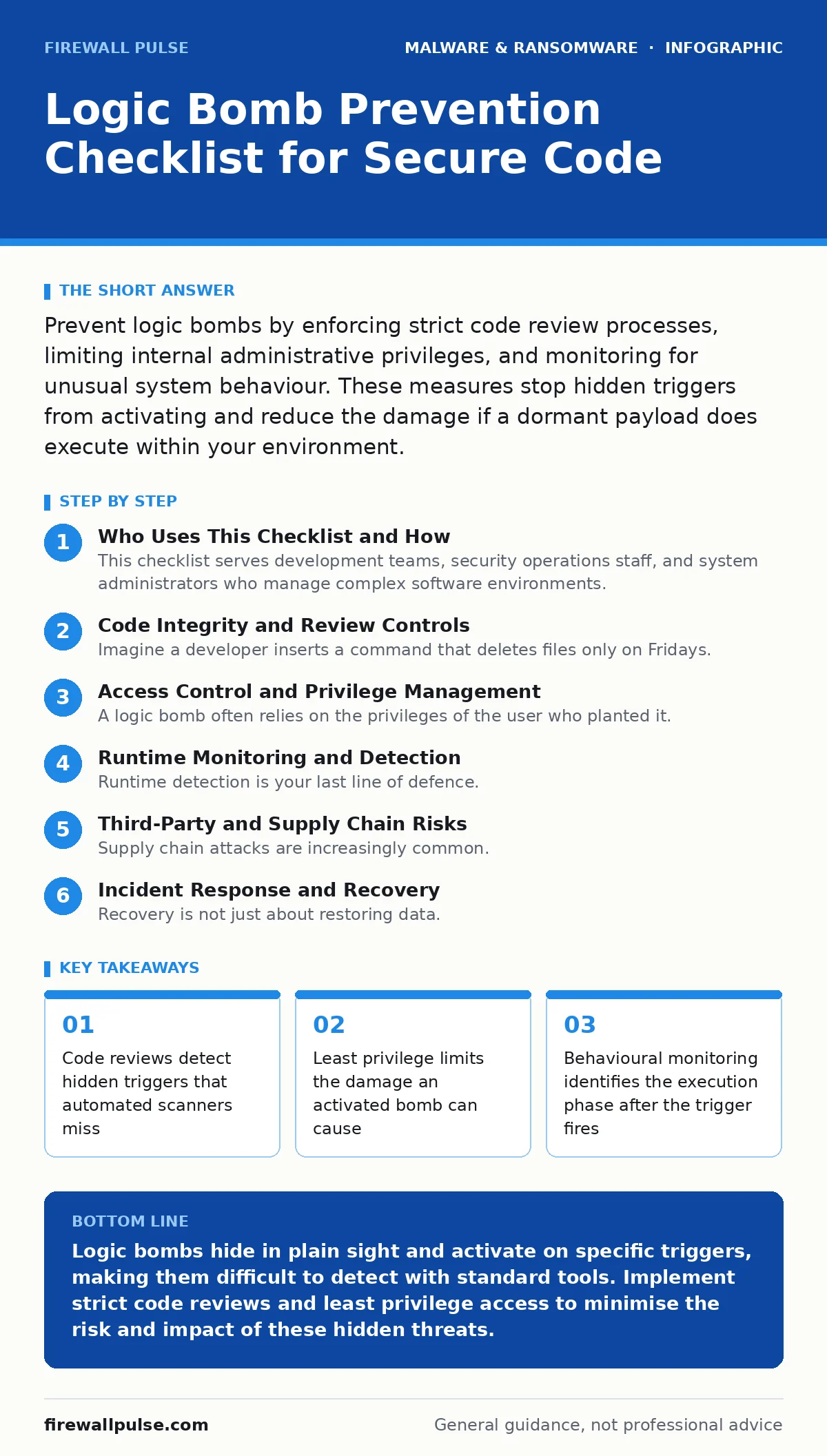
Prevent logic bombs by enforcing strict code review processes, limiting internal administrative privileges, and monitoring for unusual system behaviour. These measures stop hidden triggers from activating and reduce the damage if a dormant payload does execute within your environment.
Who Uses This Checklist and How
This checklist serves development teams, security operations staff, and system administrators who manage complex software environments. You use it to harden your defence against logic bombs. These are malicious code fragments inserted into legitimate applications. They remain dormant until a specific condition is met. That condition might be a date, a username, or a database entry. The goal is to find these triggers before they activate and to limit their impact if they do.
Code Integrity and Review Controls
- Enforce mandatory peer reviews for all code changes: Human reviewers spot logical anomalies that static analysis tools often ignore.
- Require signed commits for all repositories: Cryptographic signatures ensure that only authorised developers can merge code, preventing rogue submissions.
- Use automated static analysis for logic flaws: Tools can flag unreachable code or unusual conditional statements that resemble trigger mechanisms.
- Maintain a complete audit trail of code modifications: You need to know who changed what and when to trace back to the source of a bomb.
- Separate development and production environments: Keeping these apart prevents accidental or intentional deployment of untested, malicious code into live systems.
Imagine a developer inserts a command that deletes files only on Fridays. Static scanners see valid syntax. Peer reviewers might miss it if they are rushed. This is why layered review processes matter. The code looks normal, but the intent is malicious.
Access Control and Privilege Management
- Implement least privilege access for all users: Restricting permissions ensures that even if a bomb activates, it cannot spread or delete critical data.
- Disable dormant user accounts immediately: Former employees with active accounts are common vectors for logic bombs set to trigger after departure.
- Require multi-factor authentication for administrative tasks: This adds a barrier for attackers who might have stolen credentials to plant or trigger a bomb.
- Regularly audit service account permissions: Service accounts often have high privileges and are frequently overlooked in security reviews.
- Segregate duties for critical system changes: No single person should have the ability to write, approve, and deploy code without oversight.
A logic bomb often relies on the privileges of the user who planted it. If that user has root access, the bomb can wipe the entire system. If that user has limited rights, the bomb might only lock a single file. Limiting scope is your best defence.
Runtime Monitoring and Detection
- Deploy endpoint detection and response tools: These systems monitor process behaviour in real time, catching anomalies that signatures miss.
- Monitor for unusual process spawning patterns: A legitimate application suddenly launching a command shell is a strong indicator of a triggered payload.
- Track file system changes in critical directories: Logic bombs often create temporary files or modify system configs before executing their main payload.
- Analyse network traffic for unexpected outbound connections: Some bombs exfiltrate data or signal a command-and-control server upon activation.
- Set alerts for off-hours administrative activity: Trigger events often occur when monitoring is lax, such as late at night or during holidays.
Runtime detection is your last line of defence. The bomb has passed code review. It has deployed to production. Now it waits. When the trigger fires, the system must react instantly. Standard antivirus software is often useless here because the code is signed and appears legitimate. You need behavioural analysis.
Third-Party and Supply Chain Risks
- Vet third-party libraries for known vulnerabilities: Open-source components can contain logic bombs planted by upstream attackers.
- Require security attestations from software vendors: Suppliers should prove they follow secure development practices to reduce the risk of embedded threats.
- Isolate third-party applications in containers: This limits the blast radius if a vendor-supplied tool contains a hidden trigger.
- Review vendor access to your production environment: External support staff should never have direct write access to live systems.
- Monitor for changes in vendor software versions: Sudden updates from a vendor might introduce new code that needs immediate scrutiny.
Supply chain attacks are increasingly common. You might not write the malicious code. Your vendor might. This is similar to the risks posed by malware distributed through software updates. You must treat third-party code with the same suspicion as internal code. If you rely on external tools, you inherit their security posture.
See also: Least Privilege Access Checklist for Secure Systems
Incident Response and Recovery
- Maintain offline backups of critical data: Logic bombs often target data deletion. Offline backups ensure you can restore systems without paying ransoms or losing information.
- Document incident response procedures for logic bombs: Your team needs a clear plan for isolating systems and investigating triggers when an event occurs.
- Conduct regular tabletop exercises: Simulating a logic bomb attack helps your team practice identifying triggers and containing the damage quickly.
- Preserve forensic evidence after an activation: Do not reboot systems immediately. You need the memory and logs to understand how the bomb worked.
- Review and update triggers after each incident: Attackers adapt. Your defences must evolve to catch new trigger mechanisms and execution patterns.
Recovery is not just about restoring data. It is about understanding how the bomb got in. If you do not find the trigger, you cannot prevent the next one. This process is similar to handling computer viruses, but the trigger mechanism is more complex. You must identify the condition that caused the execution.
Related Threats to Consider
Logic bombs are distinct from other threats, but they share characteristics. They are not zero-day malware because they rely on known triggers, not unknown vulnerabilities. They are not adware because they do not display advertisements. They are not mobile malware unless specifically targeting mobile operating systems.
They are not malicious browser extensions unless embedded in browser code. They are not USB malware unless triggered by device insertion. They are not SEO poisoning because they do not manipulate search results. Understanding these distinctions helps you apply the right controls.
Final Thoughts on Prevention
Preventing logic bombs requires a combination of technical controls and human vigilance. You cannot stop every attempt. You can reduce the likelihood and impact. Code reviews catch the obvious. Access controls limit the damage. Monitoring detects the execution. Backups ensure recovery. This layered approach is your best defence.
Key takeaways
- Code reviews detect hidden triggers that automated scanners miss
- Least privilege limits the damage an activated bomb can cause
- Behavioural monitoring identifies the execution phase after the trigger fires
Logic bombs hide in plain sight and activate on specific triggers, making them difficult to detect with standard tools. Implement strict code reviews and least privilege access to minimise the risk and impact of these hidden threats.
Frequently asked questions
Can antivirus software detect logic bombs?
Standard antivirus software often fails to detect logic bombs because the code is embedded in legitimate applications and does not exhibit malicious behaviour until the trigger condition is met.
How do you identify a logic bomb trigger?
Identifying a trigger requires code review and behavioural monitoring. Look for unusual conditional statements, date checks, or specific user actions that initiate unexpected system processes.
Are logic bombs only used by external attackers?
No, logic bombs are frequently planted by insiders. Disgruntled employees or compromised internal accounts can insert code that activates upon their departure or a specific event.
What is the difference between a logic bomb and a virus?
A virus replicates itself to spread to other systems. A logic bomb remains dormant in a single system or application and executes a specific payload only when a predefined condition is satisfied.
How this guide was produced: written by the Firewall Pulse editorial team with AI assistance, checked against the public references listed below, and reviewed when the facts change. See our editorial policy or report an error.