Smishing Mistakes: 7 Errors That Leave Your Phone Open
Your mobile operating system processes text messages at a speed that bypasses your conscious scrutiny, turning a quick glance into a permanent compromise.
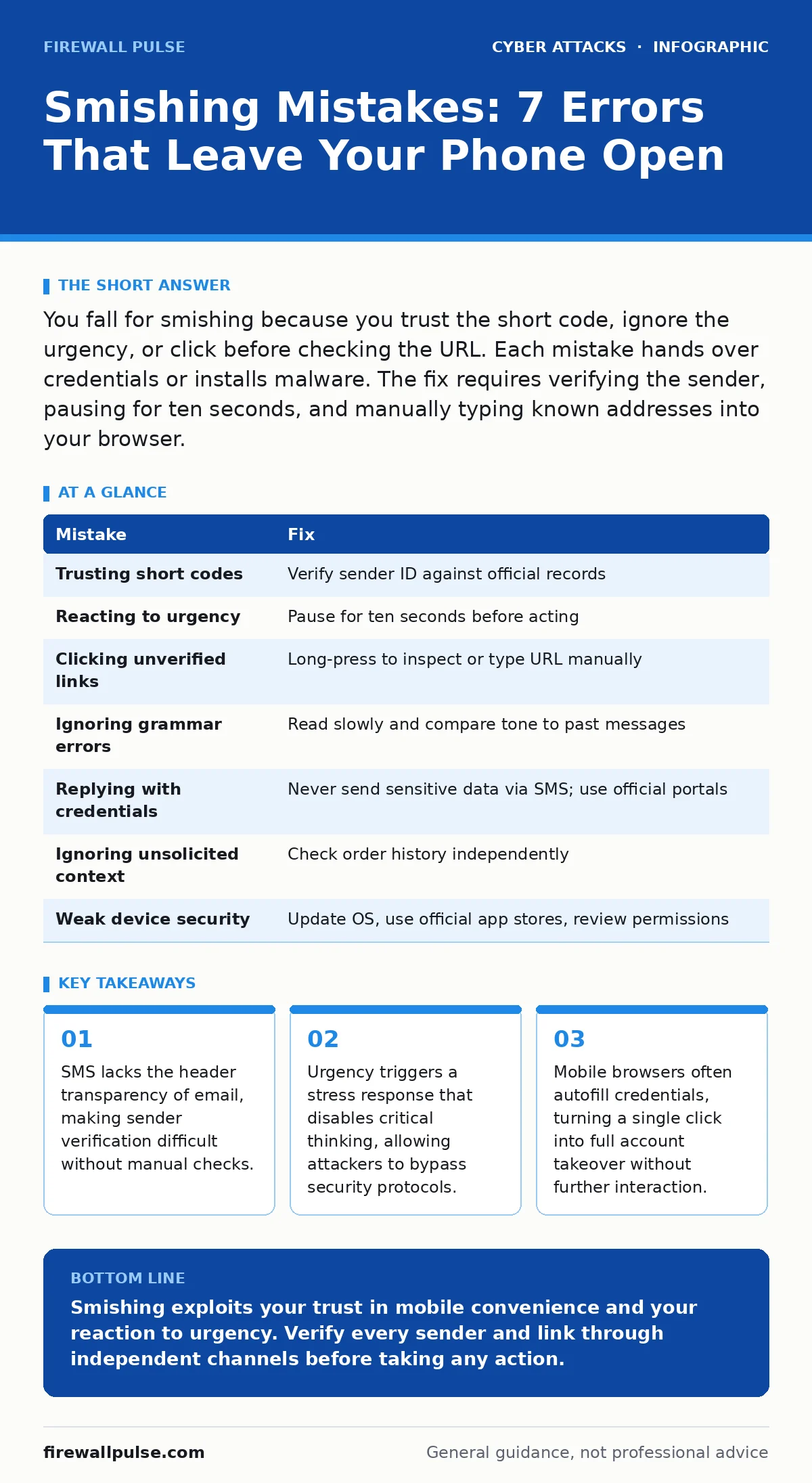
You fall for smishing because you trust the short code, ignore the urgency, or click before checking the URL. Each mistake hands over credentials or installs malware. The fix requires verifying the sender, pausing for ten seconds, and manually typing known addresses into your browser.
Mistake 1: Trusting the Short Code Display
Short codes are five or six digit numbers used by businesses for automated messaging. Attackers rent these numbers cheaply to mimic legitimate brands. You assume the number matches the company because it looks official. This assumption fails because short codes are not tied to identity in the same way domain names are. The consequence is immediate trust transfer.
You believe the message is genuine before reading the content. The fix is to treat every short code as unverified. Do not use the sender ID as proof of authenticity. Check the company’s official website for their listed contact numbers. Compare the incoming number against the published record. If they do not match, delete the message.
Mistake 2: Reacting to Artificial Urgency
Attackers use time pressure to bypass your logical filters. Messages claim your account will be locked, a payment will fail, or a legal deadline has passed. You feel compelled to act immediately to avoid a negative outcome. The consequence is skipped verification steps. You click links or call numbers without checking their legitimacy. The fix is to impose a mandatory pause. Wait ten seconds before touching any link. Use that time to question the source. Legitimate organisations allow you to log in at your own pace. They do not demand instant action via text. If a message creates panic, treat it as hostile. Verify the claim through a separate, trusted channel.
Mistake 3: Clicking Links Without Inspecting the URL
Mobile screens are small, making full URLs difficult to read. Attackers exploit this by using URL shorteners or visually similar domains. You tap the link, assuming it leads to the brand mentioned in the text. The consequence is landing on a phishing site designed to steal credentials. The fix is to hover or long-press the link to reveal the destination. If the platform does not allow this, do not click. Instead, open your browser and type the known address manually. This ensures you land on the genuine site. Never rely on the preview text or the link label. The destination address is the only truth.
Mistake 4: Ignoring Grammar and Tone Inconsistencies
Legitimate companies maintain consistent branding and grammar in their communications. Smishing messages often contain subtle errors, awkward phrasing, or mismatched tone. You overlook these details because the message seems urgent or relevant. The consequence is missing a clear indicator of fraud. The fix is to read the message slowly. Look for spelling mistakes, incorrect capitalisation, or strange punctuation. Compare the tone with previous communications from the same sender. If the language feels off, suspect fraud. Report the message to your mobile operator. Do not engage with the sender. Inconsistent writing is a strong signal of automated or foreign origin.
Mistake 5: Providing Credentials via Text Reply
Attackers ask you to reply with confirmation codes, passwords, or personal details. You comply because you believe you are verifying your identity. The consequence is immediate account takeover. The attacker now has the keys to your digital life. The fix is to never send sensitive data via SMS. Legitimate organisations will never ask for passwords or full PINs in a text reply. They use secure portals or voice verification. If a message requests data, delete it. Contact the organisation directly using a known phone number. Explain the situation and request proper verification. This breaks the attacker’s chain of trust.
See also: Payment Verification Procedures: Definition, Purpose and Core Mechanics
Mistake 6: Overlooking the Context of Unsolicited Messages
You receive a text about a package delivery or a subscription you did not expect. You assume it is a mistake or a gift. The consequence is engaging with a trap. The attacker uses curiosity to get you to click. The fix is to verify the context independently. Check your order history on the retailer’s site. Contact the sender’s customer service through official channels.
If no record exists, the message is false. Do not click tracking links. Do not call the provided number. Unsolicited messages are a high-risk category. Treat them as malicious until proven otherwise. This approach aligns with standard email filtering logic, where unexpected inbound traffic is scrutinised heavily.
Mistake 7: Failing to Secure the Device Itself
Your phone lacks the same security layers as a desktop computer. You install apps from unofficial sources or disable security warnings. The consequence is a weakened defence perimeter. Smishing malware can install itself if you grant permissions. The fix is to keep your operating system updated. Enable automatic security patches. Install apps only from official stores. Review app permissions regularly. Remove apps you do not use. This reduces the attack surface. It also mitigates risks from session cookie theft, as a secure device is less likely to leak stored tokens to malicious scripts. Strong device hygiene complements your behavioural defences.
| Mistake | Fix |
|---|---|
| Trusting short codes | Verify sender ID against official records |
| Reacting to urgency | Pause for ten seconds before acting |
| Clicking unverified links | Long-press to inspect or type URL manually |
| Ignoring grammar errors | Read slowly and compare tone to past messages |
| Replying with credentials | Never send sensitive data via SMS; use official portals |
| Ignoring unsolicited context | Check order history independently |
| Weak device security | Update OS, use official app stores, review permissions |
Key takeaways
- SMS lacks the header transparency of email, making sender verification difficult without manual checks.
- Urgency triggers a stress response that disables critical thinking, allowing attackers to bypass security protocols.
- Mobile browsers often autofill credentials, turning a single click into full account takeover without further interaction.
Smishing exploits your trust in mobile convenience and your reaction to urgency. Verify every sender and link through independent channels before taking any action.
Frequently asked questions
How do I report a smishing message?
Forward the message to your mobile carrier’s reporting shortcode. Use your device’s built-in report function if available. Do not reply to the message.
Can smishing install malware on my phone?
Yes, if you click a link that triggers a download or if you grant permissions to a malicious app. Avoid clicking links and keep your OS updated.
Why is smishing harder to detect than phishing?
SMS lacks detailed headers and sender verification. Short codes are easy to spoof, and mobile screens hide full URLs, reducing your ability to inspect the source.
What should I do if I already clicked a smishing link?
Change your passwords immediately. Enable multi-factor authentication. Monitor your accounts for unusual activity. Consider freezing your credit if financial data was exposed.
How this guide was produced: written by the Firewall Pulse editorial team with AI assistance, checked against the public references listed below, and reviewed when the facts change. See our editorial policy or report an error.