IoT Device Patching: 9 Practices to Close Critical Gaps
Firmware updates often reset local configurations, forcing teams to rebuild access controls and network policies after every security fix.

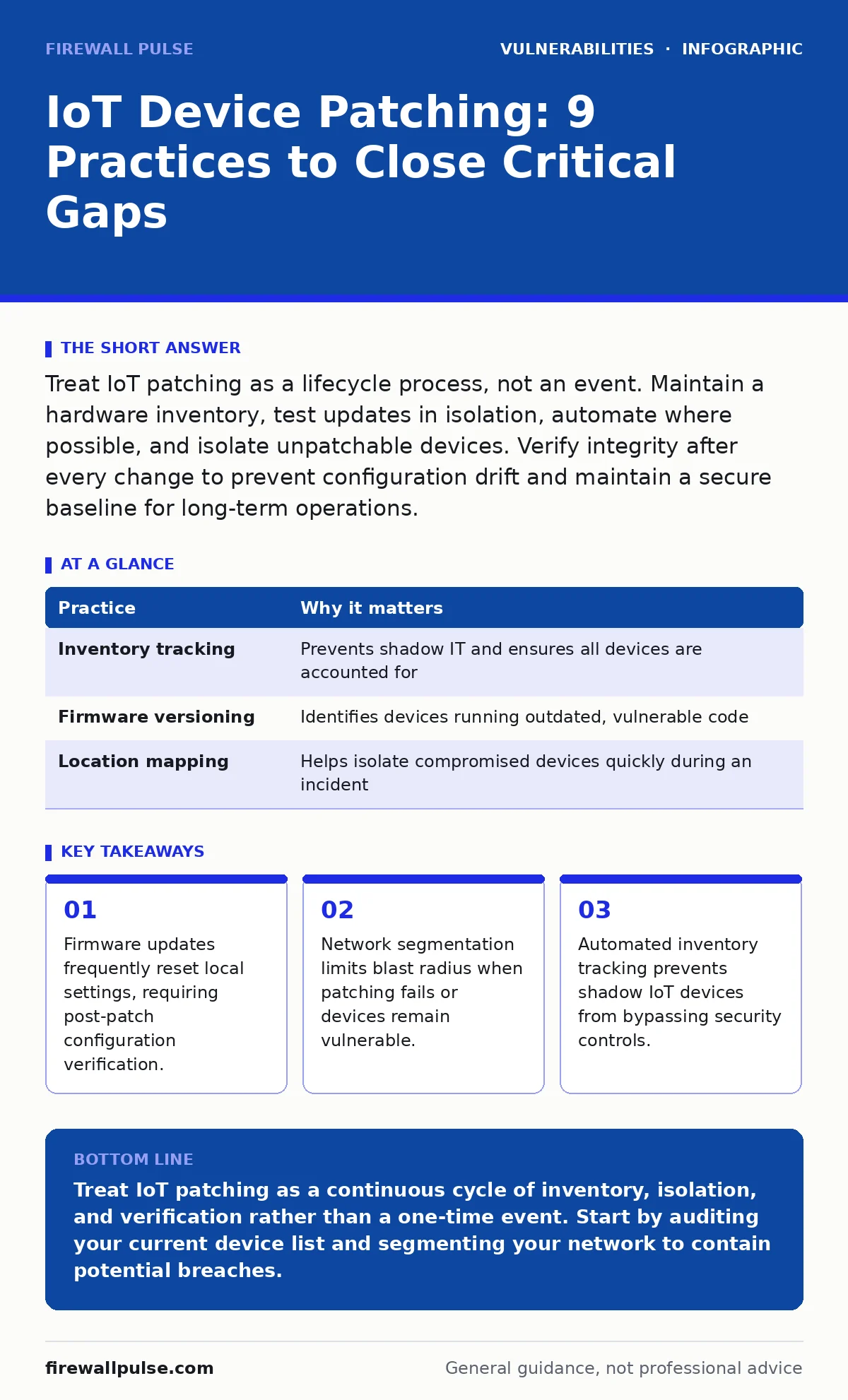
Treat IoT patching as a lifecycle process, not an event. Maintain a hardware inventory, test updates in isolation, automate where possible, and isolate unpatchable devices. Verify integrity after every change to prevent configuration drift and maintain a secure baseline for long-term operations.
1. Maintain a Verified Hardware Inventory
You cannot patch what you do not know exists. Many organisations discover IoT devices only after a security incident reveals unmanaged endpoints. A verified inventory lists every device, its firmware version, and its physical location. This baseline allows you to prioritise updates based on risk rather than guessing. Without this list, you are reacting to alerts instead of managing risk.
| Practice | Why it matters |
|---|---|
| Inventory tracking | Prevents shadow IT and ensures all devices are accounted for |
| Firmware versioning | Identifies devices running outdated, vulnerable code |
| Location mapping | Helps isolate compromised devices quickly during an incident |
2. Segment Networks by Function
Grouping IoT devices into separate network segments limits the damage if one device is compromised. A smart camera should not share the same network space as your financial servers. Use VLANs or zero-trust network access to restrict lateral movement. If an attacker gains control of a temperature sensor, segmentation stops them from pivoting to critical infrastructure. This containment strategy reduces the attack surface significantly.
3. Test Updates in an Isolated Environment
Applying firmware updates directly to production devices carries significant risk. Updates can break functionality or reset configurations. Create a staging environment that mirrors your production setup. Install the update there first and monitor for anomalies. This step catches compatibility issues before they disrupt operations. It also allows you to verify that the new firmware does not introduce new vulnerabilities.
4. Automate Patch Deployment Where Possible
Manual patching is slow and prone to human error. Use configuration management tools to deploy updates across multiple devices simultaneously. Automation ensures consistency and speed. However, not all IoT devices support automated updates. For those that do, schedule deployments during maintenance windows to minimise disruption. Automation also provides an audit trail, showing exactly when and how each patch was applied.
5. Verify Firmware Integrity and Signatures
Not all firmware updates are legitimate. Attackers can inject malicious code into update packages. Always verify the digital signature of the firmware before installation. This ensures the update comes from the trusted manufacturer and has not been tampered with. Checksums provide an additional layer of verification. Skipping this step exposes your network to supply chain attacks where the update itself is the weapon.
See also: Exposed Admin Panels: How Attackers Gain Access Step by Step
6. Isolate Unpatchable Devices
Some legacy IoT devices will never receive security updates. These devices remain vulnerable to known exploits indefinitely. Do not remove them immediately if they are critical to operations. Instead, isolate them on a restricted network segment. Limit access to only those who absolutely need it. Monitor traffic to and from these devices closely. This containment strategy mitigates risk while you plan for replacement.
7. Review Vendor Support Lifecycles
Manufacturers do not support devices forever. Before purchasing IoT hardware, check the vendor’s end-of-life policy. Some vendors stop providing security updates after just two years. Planning for replacement before support ends prevents sudden exposure to unpatched vulnerabilities. Include lifecycle costs in your procurement budget. This foresight avoids emergency spending and reduces security gaps caused by abandoned technology.
8. Implement Strict Access Controls
Limit who can access and update IoT devices. Use least privilege access principles to ensure only authorised personnel can perform maintenance. Multi-factor authentication adds another layer of security. Disabling default credentials is non-negotiable. Many breaches occur because attackers exploit weak or default passwords. Regularly review access logs to detect unauthorised attempts. Strong access controls prevent insiders and outsiders from making unauthorised changes.
9. Monitor for Configuration Drift
After patching, devices may revert to default settings or lose custom configurations. This drift can weaken security. Implement continuous monitoring to detect changes in device behaviour or configuration. Automated tools can compare current settings against a known good baseline. If a deviation is detected, alert your team immediately. This practice ensures that security measures remain effective over time. It also helps identify when a device has been tampered with.
Understanding Vulnerability Severity
Not all vulnerabilities are equal. Use CVSS score ratings to prioritise which patches to apply first. Critical scores demand immediate attention, while lower scores can wait for the next maintenance window. This prioritisation saves time and resources. It also ensures that the most dangerous threats are addressed promptly. Understanding severity helps you allocate your team’s effort where it matters most.
Handling Day-Zero Threats
Sometimes vulnerabilities are discovered before a patch is available. These are known as n-day vulnerabilities when a patch exists, but day-zero when it does not. For day-zero threats, mitigation is key. Apply virtual patches via your firewall or intrusion prevention system. Isolate affected devices if possible. Stay informed through security advisories. This proactive approach buys time until a proper fix is released.
Related Security Considerations
IoT security intersects with many other areas. For instance, file upload vulnerabilities can be exploited if an IoT device accepts external files. Ensure input validation is strict. Similarly, vulnerabilities in VPN appliances can expose your entire IoT network if the gateway is compromised. Regularly update your VPN software. PHP object injection risks exist if your IoT management portal uses insecure coding practices. Code reviews help here. Out-of-band patches may be necessary for critical fixes outside regular schedules. Plan for these scenarios.
Key takeaways
- Firmware updates frequently reset local settings, requiring post-patch configuration verification.
- Network segmentation limits blast radius when patching fails or devices remain vulnerable.
- Automated inventory tracking prevents shadow IoT devices from bypassing security controls.
Treat IoT patching as a continuous cycle of inventory, isolation, and verification rather than a one-time event. Start by auditing your current device list and segmenting your network to contain potential breaches.
Frequently asked questions
How often should IoT devices be patched?
Patch as soon as a verified update is available, especially for critical vulnerabilities. Regular maintenance windows should be scheduled monthly to handle non-critical updates.
Can I patch IoT devices remotely?
Yes, if the device supports secure remote management. Ensure the connection is encrypted and authenticated. Test remote patching in a staging environment first to avoid connectivity issues.
What if a firmware update fails?
Have a rollback plan ready. Keep previous firmware versions stored securely. If an update fails, restore the device to its previous state and investigate the cause before retrying.
Do all IoT devices need unique passwords?
Yes. Default credentials are a major security risk. Change them immediately upon installation. Use strong, unique passwords for each device to prevent credential stuffing attacks.
How this guide was produced: written by the Firewall Pulse editorial team with AI assistance, checked against the public references listed below, and reviewed when the facts change. See our editorial policy or report an error.